Sound Design for Beginners: Build a Scene You Can Hear
- Written by
- Shaad Sufi
- Published
- Reading time
- 8 min read
Good picture. Wrong feeling?
You’ve cut the video, added a track and lined up the effects. Everything is there. Somehow, the moment still doesn’t land. The answer may be a different sound—or one less sound.
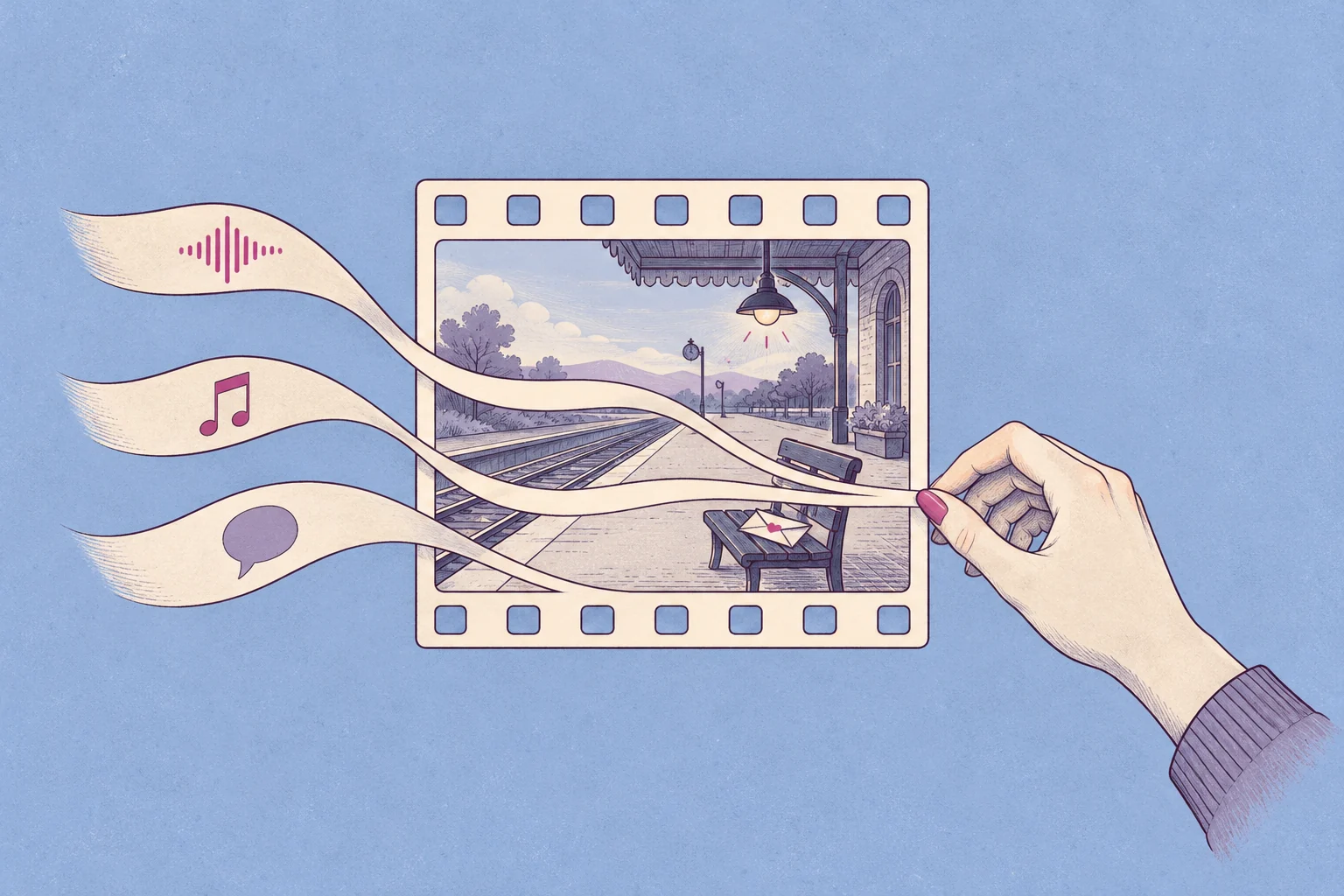
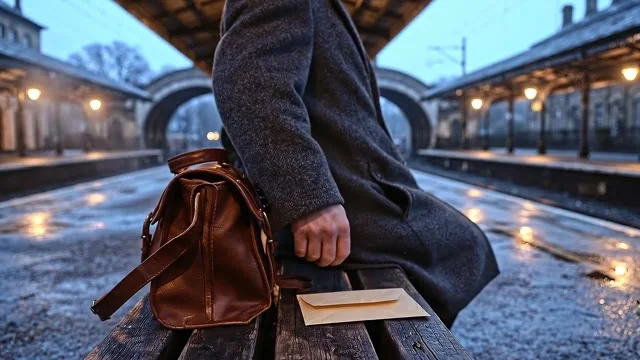
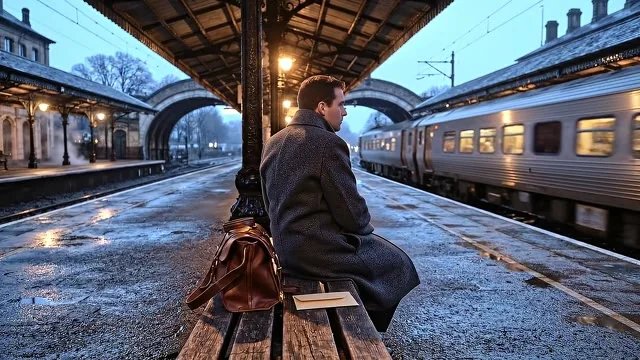
This sound design guide is for people making videos, short films and animations. Start with a 24-second experiment: watch the station scene with each score. Is the passenger simply waiting, or waiting for trouble? The picture never changes.
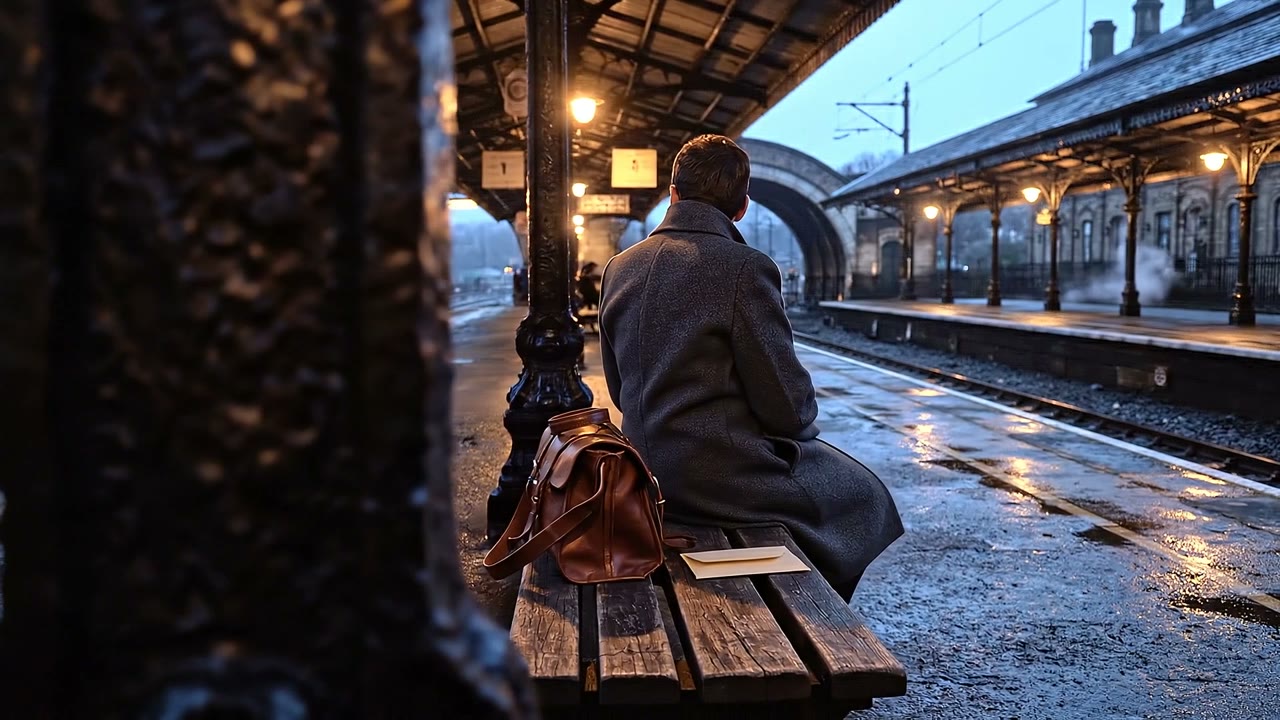
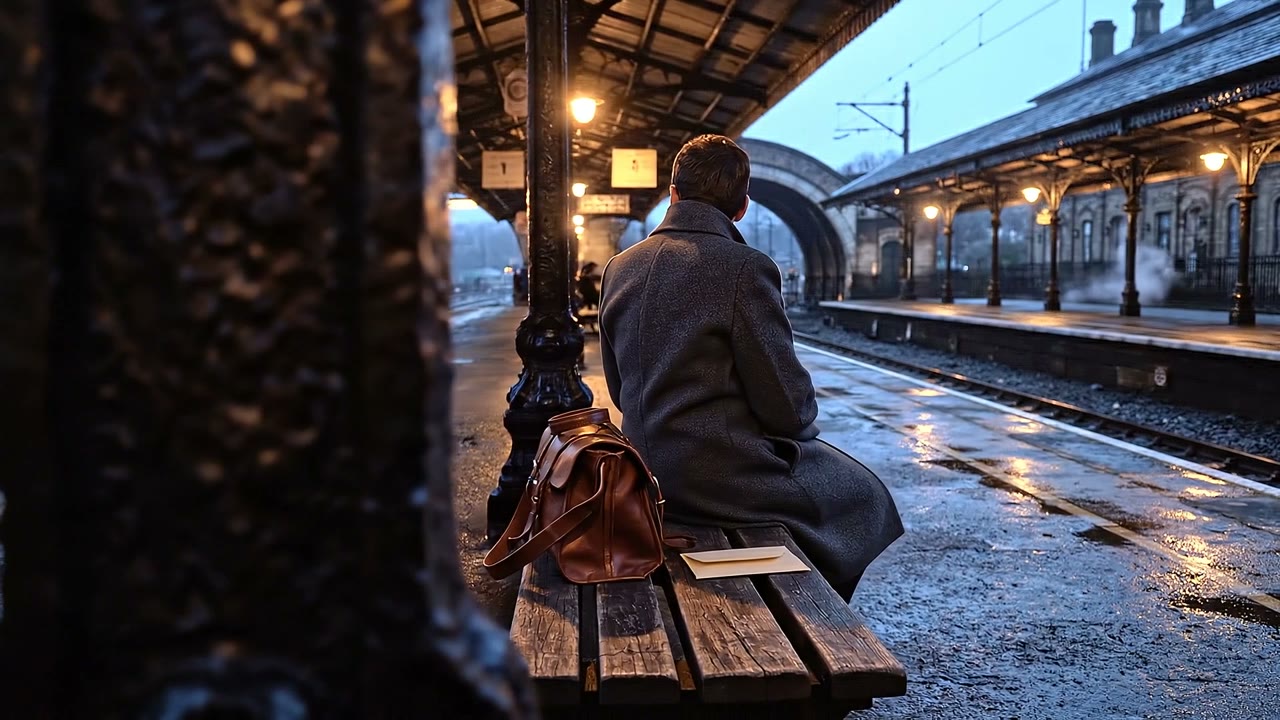
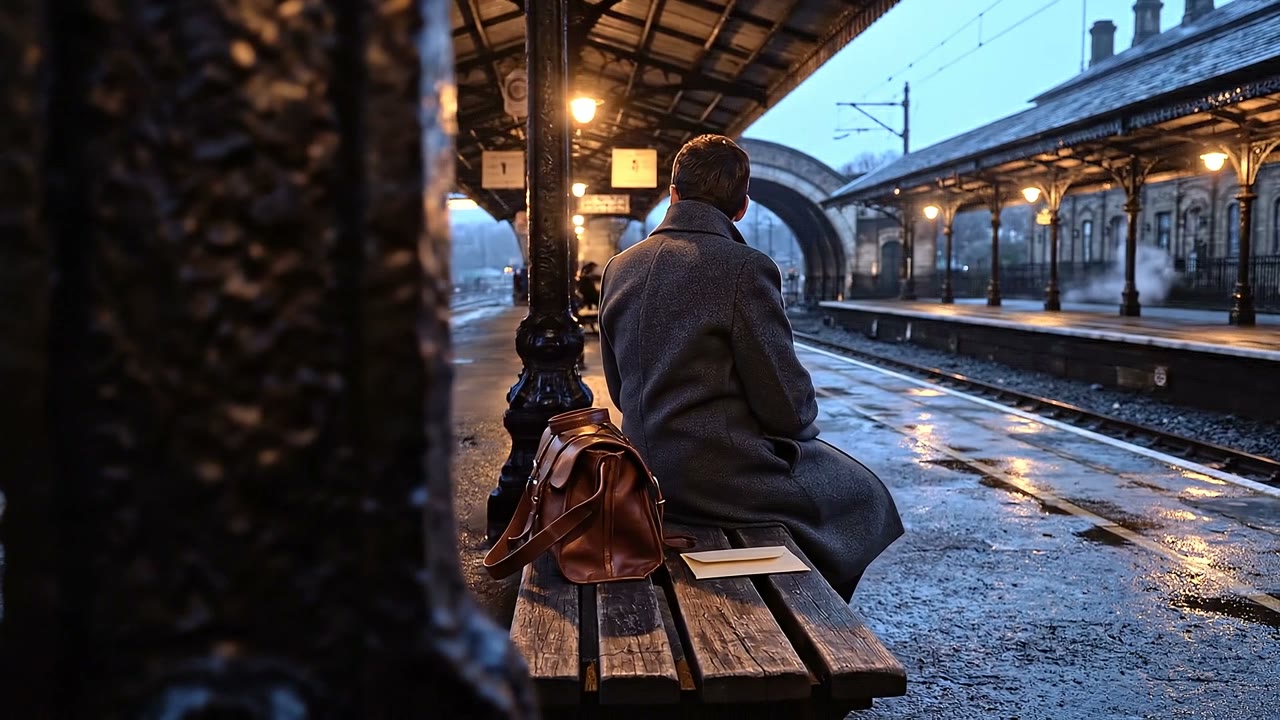
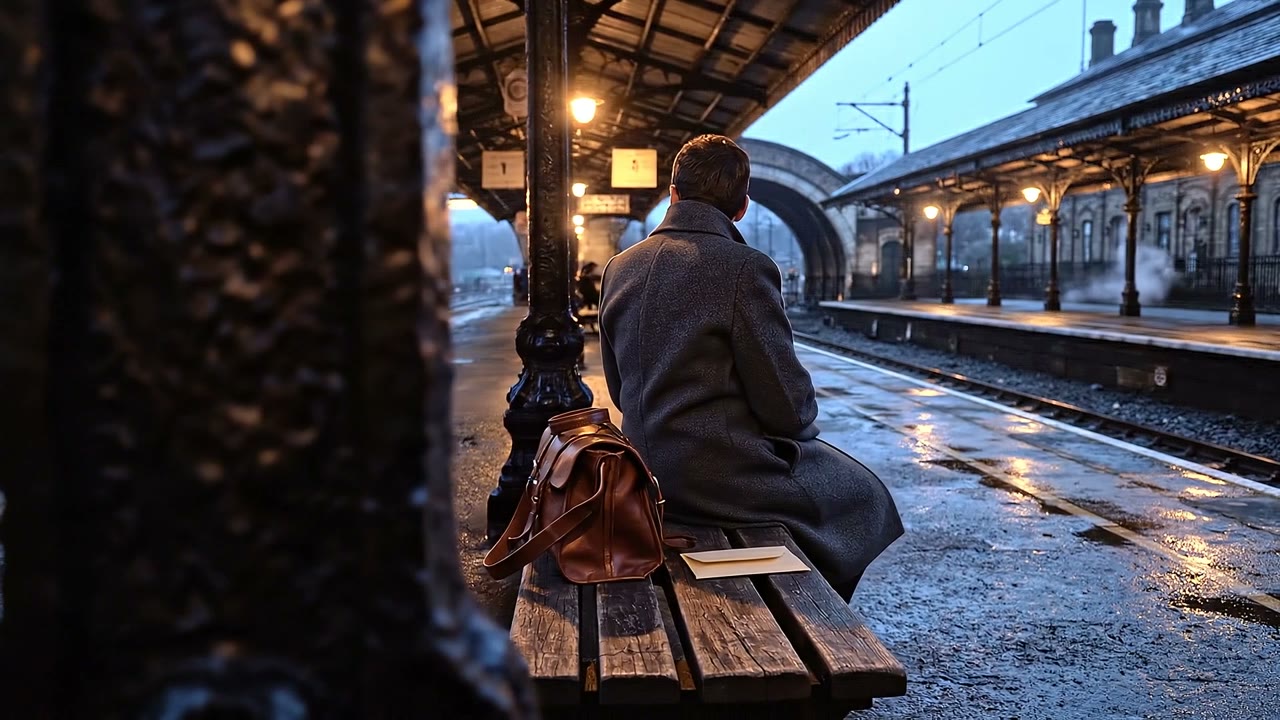
Illustrative AI-generated scene with prepared audio edits.
Your ears help write the story
That shift is more than a filmmaker’s hunch. In a published experiment, people watched the same ambiguous scene with different soundtracks. The music changed their interpretation of the character.
“He’s remembering something.”
Viewers who chose this interpretation:
Ansani et al., Frontiers in Psychology (2020), Study 1
What the numbers do—and don’t—show
A 115-second ambiguous film scene, three groups, 118 participants after exclusions. The ambient-only control group had 35 viewers; 43% chose “remembering.” Percentages are rounded as reported. This is a result from one film experiment, not a predicted engagement or sales uplift for your video.
What is sound design? Give every sound a job.
Sound design means creating, choosing and shaping audio to support a story or experience. Mixing balances those sounds. You’ll do both as you work.
| Ingredient | Its job | Think of… |
|---|---|---|
| Ambience | Establish a place | Air in an empty station |
| Effects | Make an event register | A train passing |
| Foley | Perform physical detail to picture | Clothing or footsteps |
| Voice | Deliver information | An off-screen announcement |
| Music | Suggest a feeling | Calm—or unease |
For footsteps, fabric and props, our Foley sound-effects guide shows how material, timing and distance change the result.
Take our scene apart below. Which layer tells you where you are? Which tells you what might happen next?
Place & movement
Can you picture the station without looking?
The announcement
Who else exists beyond the frame? Voice begins around 9.5s.
The original score
What expectation does the music create?
These are the original scene’s isolated tracks. Each waveform is scaled separately to show its detail, not relative loudness.
You already know what good sound design feels like
You don’t need a spaceship to use a film sound designer’s trick. Start with something familiar, then shape it to fit the picture.
An imaginary object. Everyday ingredients.
Try the principle: give an effect a body and a texture. Don’t copy the recognizable sound.
| Your shot | Your viewer needs | A sound decision |
|---|---|---|
| A product lid closes | Feel the fit | One precise click; a short tail. |
| A tutorial explains a step | Catch the instruction | Let the voice lead; lower the bed. |
| A character waits alone | Sense the space | A distant off-screen sound. |
Build your scene around three moments
Write one sentence: “The viewer should feel ______.” For our scene, it’s uncertainty. Now mark what deserves attention. Keep the station running underneath; let the voice lead in the middle; leave the final shot to the train.
 00—08sEstablish the wait
 08—16sLet the voice lead
 16—24sLeave room for the train
Record it, find it—or describe it
You can spend an evening auditioning impressive effects that never quite fit. Judge a candidate against the shot: right material, right distance, right length. A huge close-up engine can make a distant train feel wrong.
Use the three approaches together. Record a coat rustle, choose an existing atmosphere, or describe a custom effect in Wubble. Bring a video, image or audio reference when it explains the result better than words.
| What you do | Record | Browse a library | Generate in Wubble |
|---|---|---|---|
| Record a new performance | |||
| Create from a written brief | |||
| Best starting point | An action you can perform | An existing sound you can audition | A sound you can describe |
| If it doesn’t fit | Re-record or edit | Swap or edit | Ask for a revision |
| Always check | Noise & perspective | Fit & license | Fit & unwanted sounds |
These compare sourcing methods, not every feature of a particular app. All three can feed the same editable mix.
The better edit might be quieter
The tense score gives our passenger a different story. But when the announcement arrives, the words need room. Ask for a targeted change: “Lower the music under the announcement. Keep the voice and effects.”
For a complete import-to-export workflow, see how to add music to a video without losing the voice.
Compare the three edits. First listen to the voice, then the final shot. Does the scene become easier to follow when the music steps back?
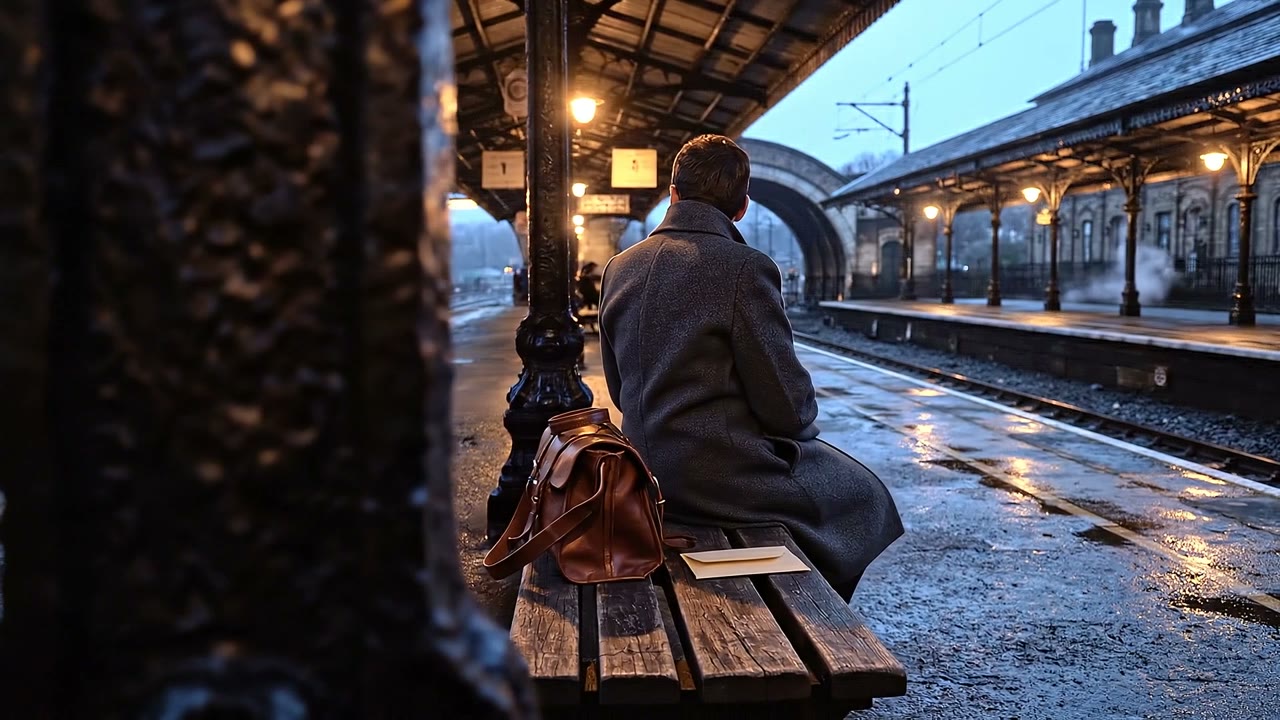
What actually changed in the mix?
Ducking means temporarily lowering one sound so another can lead. Here, the music drops by 8 dB beneath the announcement. The voice stays at the same level. That setting belongs to this example; your mix may need a smaller or larger move.
Same voice. Less competition.
When it sounds wrong, try the small fix first
| The problem | Try this | Listen for |
|---|---|---|
| The hit feels late | Move its attack to the contact frame. | Sound and action feel connected. |
| The background buries the voice | Lower it during speech. | Words read without extra effort. |
| A small object sounds enormous | Reduce bass before adding layers. | Weight that matches its size. |
| The location jumps at each cut | Bridge cuts with steady ambience. | One continuous space. |
| Everything feels busy | Mute the least useful layer. | A clear focal point. |
Three controls are enough for many first fixes: EQ changes bass and brightness; reverb suggests a space; panning moves sound between left and right. Adjust one at a time. Compare at similar listening levels so “louder” doesn’t win by default.
You can start with the tools you have
Keep your video editor if it can move audio clips, adjust levels and add fades. For an integrated audio workspace, Fairlight in DaVinci Resolve works alongside picture. Audacity is useful for recording and shaping individual sounds.
In Wubble, start from a brief or reference and direct effects, music and voice through conversation. Keep layers separate so you can revise the background without replacing an approved voice.
Try this on your own clip
“Build a quiet railway atmosphere for this 24-second video. Distant rail hum, no music or voices. Create the passing train as a separate effect for the final eight seconds.”
Then be specific: “The train feels too close. Push it further back and shorten the tail.” Review the result against the picture. Good direction describes what should change and what should stay.
Try it on one shot today
Choose a short clip you own: a door opening, a product landing on a table or a person entering a room. Add the main action sound and enough background to place it. Save a second version with one change. Play both without looking at their labels.
If you can explain what the change helps you notice, you’re designing sound.
- Listen quietly. Can you still follow the important words and action?
- Try a phone speaker. Does the key cue survive without deep bass?
- Play the export. Check sync, clicks, distortion and the first and last seconds.
- Check usage rights. Keep the source and license for every asset.
Wubble audio is royalty-free under its applicable license. Check your plan and intended use; royalty-free does not mean exclusive ownership. Keep your editable project and follow the destination’s delivery requirements.
Ready for another scene? Explore Wubble for film and video. For interactive work, try our game UI sound guide; for layered action effects, follow the game sound-effects walkthrough.
Before you start
How do I learn sound design as a beginner?
Rebuild the audio for one short clip. Start with place and action, then try a different musical direction. Compare versions and explain what each change does before moving to advanced processing.
Do I need expensive equipment?
No. Headphones and an editor with separate tracks are enough to start arranging sounds. Use a phone to experiment with recordings; upgrade when you need cleaner capture or more reliable monitoring.
Is sound design the same as music production?
They overlap: a producer can design a synth sound, while a filmmaker designs a whole scene. This guide focuses on sound for picture. Mixing is the related task of balancing the elements.
Is a generated footstep Foley?
Foley traditionally means performing and recording actions to picture. A generated footstep can serve the same role, but it isn’t a recorded Foley performance.
Should every action have a sound?
No. Prioritize sounds that explain the setting, action or feeling. Leave an unimportant gesture quiet if an extra effect pulls attention away from the story.
Sources and further listening
- Ansani et al. (2020), How Soundtracks Shape What We See — the audience experiment above.
- Ben Burtt’s StarWars.com Q&A, preserved by FilmSound.org — the lightsaber’s everyday sources. Watch the official interview.
- Pro Sound Effects: How to Learn Sound Design — practice and specialisms.
- Epidemic Sound: Sound Design Tips and Techniques — further processing experiments.
- Fairlight and Audacity clip documentation — editing tools.
Sources checked 13 October 2026.