Why Your Game UI Sound Effects Don’t Fit—and How to Fix Them
- Written by
- Shaad Sufi
- Published
- Reading time
- 12 min read
Your menu is ready. Its sounds are still scattered across folders.
One pack has the right click. Another has a useful error sound. The reward feels like it belongs to a different game—and you still have to make everything work under the music.
Hear a matching set of six game UI sound effects, download the demo, and compare it with the first pass. Then choose a starting pack or follow the edits to make a set fit your own game.
Hear the result: six sounds that belong together
A quiet exploration menu, with small mechanical clicks and light glass tones. Play a click, then the reward. Does the reward feel special without making every button sound like a celebration?
The Observatory
6 sounds · WAV + cue sheet · 314 KB
Menu click
0.16s
Confirm
0.34s
Back
0.30s
Unavailable action
0.32s
Inventory open
0.55s
Reward
1.04s
Prepared demo audio and illustrative conversations, not a live Wubble session. For auditioning and testing; check usage coverage before release. Audio sources.
Hear the whole pack before and after the edits
Finished pack
Navigation → confirm → back → unavailable → inventory → reward. Listen for a quiet everyday set and a brighter finish.
Find a starting pack that suits your menu
Listen to a routine click and an error or reward from the same pack. Would both belong beside your game’s artwork? Then check that the set covers the actions you need.
| Starting point | What to check |
|---|---|
| Kenney Interface Sounds 100 sounds · Free · CC0 | Try when you need a broad interface selection. Audition everyday clicks alongside notifications. |
| Kenney UI Audio 50 sounds · Free · CC0 | Start with its clicks and switches for routine actions. Check your confirm, back and error needs separately. |
| JDSherbert Ultimate UI SFX 67 sounds in the full pack | Try the free sampler before choosing the paid full set. Check its attribution terms. |
Use a short checklist: navigation, confirm, back, unavailable, inventory and reward. Keep equivalent actions consistent and save the most expressive cue for the important moment. If a pack fits, you can go straight to the handoff.
Keep searching, customize a set or bring in a designer?
If a pack fits, use it. If you keep finding sounds that are close but wrong for your world, generate a custom set in Wubble and refine it. If you want someone to own the creative direction and delivery, agree a brief with a sound designer.
| What you need | Wubble | Sound pack | Sound designer |
|---|---|---|---|
| New sounds from your brief | ✓ | ✕ | ✓ |
| Generate variations yourself | ✓ | ✕ | ✕ |
| Ready-made set | Create it | ✓ | Commission it |
| Trim, layer and mix | Studio beta | Use an editor | Agree scope |
| Best for | Custom packs | Ready assets | Creative support |
Comparison notes and sources
“Sound pack” means buying existing files, not commissioning new work. You can edit licensed pack files; a cross above does not mean stock sounds cannot be customized. A designer can provide variations and mixing within an agreed brief. Wubble generation is documented in the SFX guide; conversational editing is previewed on the feature page. See the pack’s contents and formats for a concrete stock example. This is a workflow comparison, not a price or quality ranking.
Like the idea, but need it to sound like your game?
Our metal-and-glass set may be wrong for a cozy farming game or a heavy sci-fi cockpit. Keep the six jobs and change the sound direction. In Wubble, you can request the whole set around your game’s style, then refine the parts that miss.
Show what you mean: a screenshot for materials and mood, gameplay video for timing, or an audio reference for texture. Combine permitted references with your written direction in the media-to-SFX workflow.
A brief to adapt
“Create a matching UI pack for this exploration-game menu. Use the screenshot’s metal-and-glass feel and the gameplay clip’s timing. Include navigation, confirm, back, unavailable action, inventory and a map-unlock reward. Keep everyday cues short and quiet, the reward brighter, and all six files separate. No music or speech.”
Once you have a direction worth keeping, ask for the smallest useful change. Here is how the click, reward and mix in our example were refined.
1. Keep the character you like
For the Observatory menu, we want a quiet mechanical tick. The first take has the contact we want, but its ending lasts too long for quick navigation. That gives us a useful next instruction: keep the contact and change the tail.
Listen for: the sound after the initial click. Would you want to hear that ending every time you move to the next option?
Wubble · The Observatory

The starting hover
1.00 second · listen for the long tail after the contact.
2. Does a good click become a mess when repeated?
A player moves through the menu faster than your sound finishes. Ask: “Keep the click. Shorten the tail and soften the bright edge.” Here is the measured change in our example.
What to hear: play the single clicks, then the six-move versions. The moves are 180 ms apart. The shorter cue finishes before the next move; the original tails overlap. These timings describe this example, not a rule for every game.
Wubble · The Observatory
Original click
1.00 second · the existing source, before this edit.
3. Make the reward special without making everything louder
The navigation tick is now restrained. Unlocking the Observatory map should feel different. Combine a short coin-like contact with a lighter quest-complete shimmer, starting 40 ms later.
What to hear: “Body only” marks the action; “Shimmer only” gives it a finish. Play “Combined reward” to hear both. If the reward feels too busy, lower or shorten the shimmer while keeping the contact.
Wubble · The Observatory
Body only
A 250 ms edit of Wubble’s coin-collect sample, with its upper frequencies softened.
Watch the same layering decision in gameplay
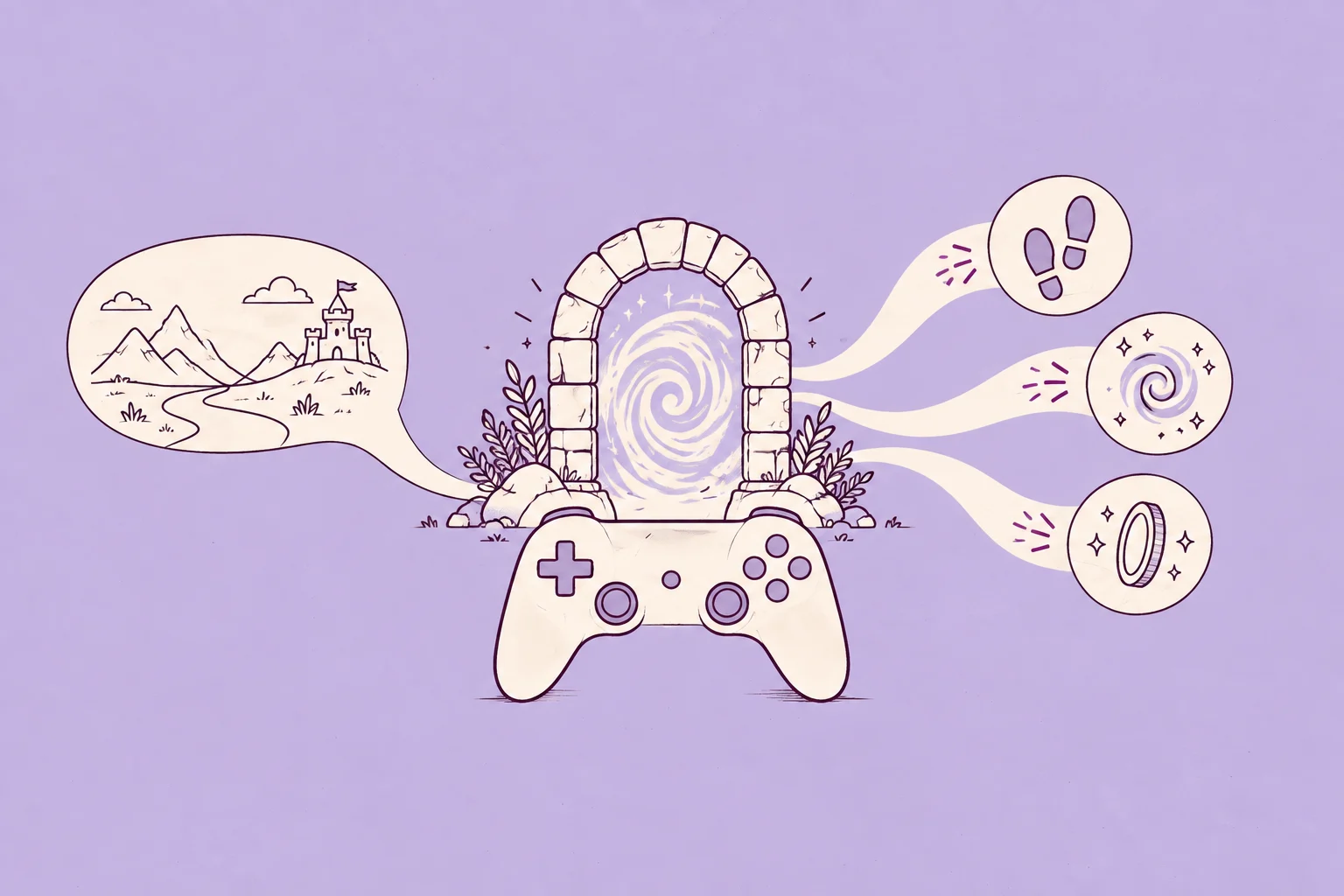
Compare the original portal with the added impact and crackle. One layer adds weight; the other adds texture.
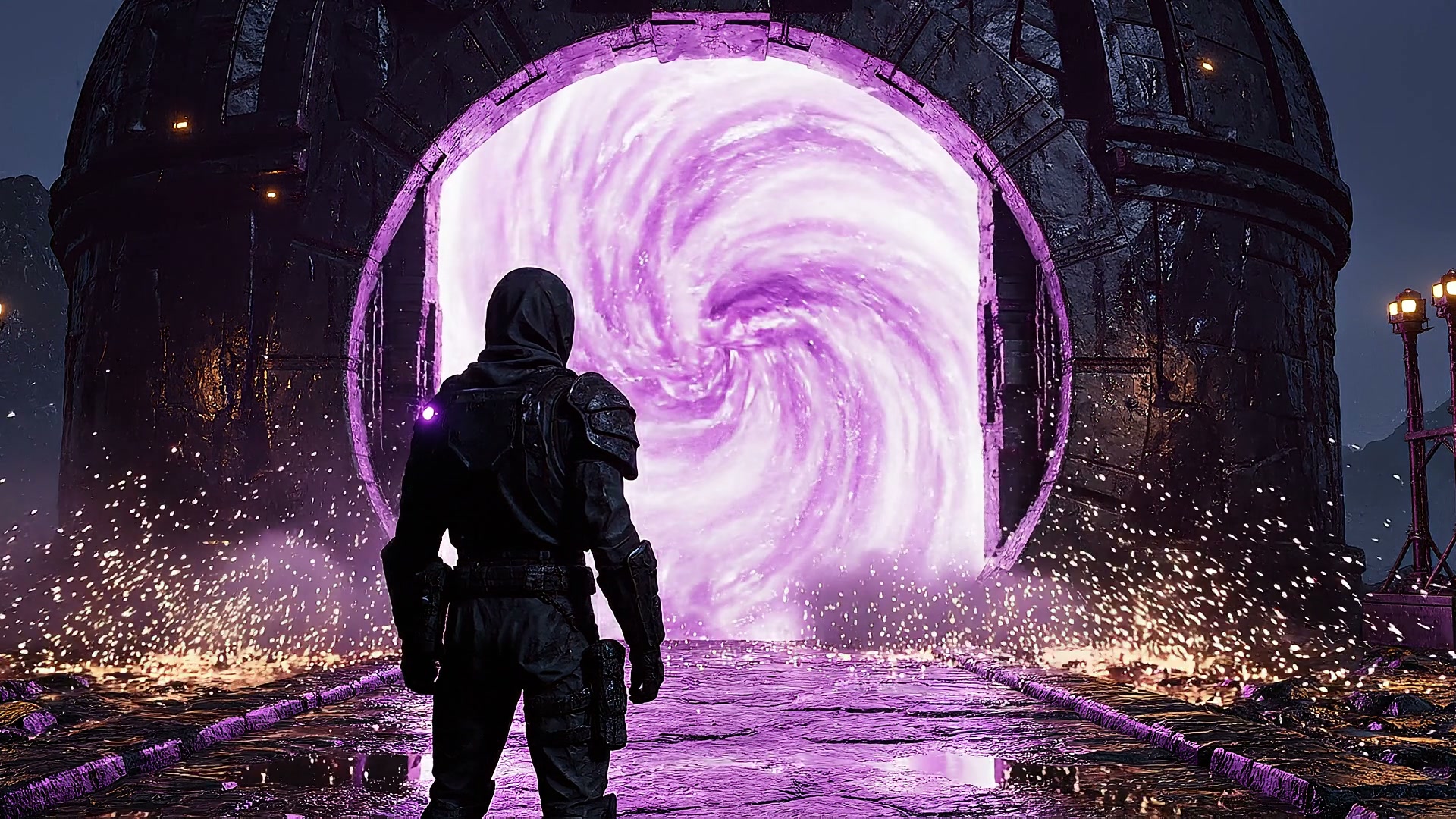
4. The sound is right. Why does the action still feel late?
A cue can sound right and still arrive too early or too late. Put it against a screen recording: the inventory sound should meet the panel opening, and the reward should meet the unlock. Review that moment before searching for a replacement sound.
The Game Dev example below shows this timing decision in a wider gameplay scene. Switch from “Atmosphere only” to “Action added.” Listen for footsteps, the gate and the portal lining up with the picture. Use the same check for your menu animation.
5. Don’t lose the good sound when the music comes back
The cues work alone. Add the soundtrack and the reward becomes hard to hear. Before making the effect louder, compare the balance in this eight-second mix: inventory at 1.2 seconds, reward at 3.4 seconds.
What to hear: switch from “Music forward” to “Cues forward.” The sound effects stay in the same place; the music is about 13 dB lower. Choose a balance that lets the player hear the action without turning every UI sound up.
Wubble · The Observatory
Music forward
Eight-second reference mix · the soundtrack competes for attention.
Watch a music dip make room for dialogue
Compare the two gameplay mixes. The portal tail is shorter and the music dips beneath the companion’s warning; the voice recording stays the same.
Try the finished sounds in the menu
Move focus, confirm a choice, go back, try a locked action, open the inventory and collect the reward. Try quick repeats, then tick the box to bring back the longer navigation sound. Does it get in the way? Mute the example to check that the visible feedback still explains each action.
Wubble · The Observatory
The Observatory Playable menu example
- → Continue expedition
- Equipment
- Map
Choose an action. Hear what changes.
Click or use Tab, then Enter or Space. Sound plays only when you choose an action; mute keeps the visual feedback.
Make the handoff clear enough to use tomorrow
Download contents and audio specifications
The demo pack contains six stereo WAVs, a cue sheet and a README. Files are 44.1 kHz / 16-bit PCM, converted from the preview edits; conversion does not restore detail lost in MP3 sources.
Start by assigning the files to these events. Keep rewards on a separate audio source so routine navigation does not cut them off.
| Sound | When to play it | Repeat rule |
|---|---|---|
| Menu click 0.16 s | Focus moves | Replace the last click |
| Confirm 0.34 s | Choice accepted | Once per accepted action |
| Back 0.30 s | Previous menu | Once per back action |
| Unavailable 0.32 s | Action blocked | Avoid overlapping repeats |
| Inventory 0.55 s | Panel opens | Once per opening |
| Reward 1.04 s | Map unlocks | Once per reward |
Download the cue sheet and replace the events with yours. The download is a prepared demonstration pack for auditioning and testing. It does not grant additional redistribution or game-release rights; check the included README and applicable Wubble license before shipping.
In Unity
For a screen-space menu, set spatialBlend to 0 for 2D audio. Keep navigation and rewards on separate sources so a new click need not cut off a reward. PlayOneShot allows sounds to overlap, so explicitly choose how repeated clicks behave.
Test keyboard and controller focus as well as the mouse; Unity’s navigation guide explains selection. For footsteps, ambience and larger scenes, continue with our game sound-effects guide.
Will the rights still cover your game when you ship?
Before you build an approved sound into every menu, check where you can use it: the game itself, trailers and any later releases. Wubble-generated sound effects are royalty-free: for uses covered by your agreement, you do not pay Wubble ongoing royalties. Keep the applicable license with your approved assets and confirm it covers your game release, platforms and trailers. For game-distribution scope, confirm coverage with Wubble.
Royalty-free audio is still licensed. It does not automatically mean exclusive ownership, unrestricted resale of the files or permission to upload someone else’s reference recording. Stock packs can also be royalty-free; Kenney’s packs above use CC0.
Real game licensing cases and what to check
What licensing restrictions have meant for real games
- GTA IV: soundtrack changes. Rockstar’s notice says licensing restrictions required song removals in April 2018, including much of Vladivostok FM. Players received a changed radio selection.
- Alan Wake: a sales interruption. Game Informer reported that music licenses led to its Steam removal in May 2017; it returned in October 2018 after rights were renegotiated.
Those are music-licensing cases, not UI-SFX disputes. The practical lesson is to check permitted uses and duration before shipping, and keep the audio easy to replace. Choosing royalty-free SFX simplifies the royalty model; the actual agreement still defines your coverage.
Still copying briefs and naming files by hand?
Once your style is agreed, the repeated work is turning cue lists into requests, checking outputs and keeping event names straight. Wubble’s API and remote MCP let you bring those steps into the tools you already use.
API and MCP workflow example
- API: turn a cue sheet into text briefs, generate each effect through the sound-effects API, and collect the outputs for review. Your script can organize the approved files by game event.
- MCP: connect a compatible AI assistant to Wubble’s official remote MCP. Ask it to work through your pack’s cue list, generate the sounds and retrieve results within your existing workflow.
A workflow request
“Use this UI cue sheet and the Observatory style brief to create a matching pack. Keep the event names in the output list, let me review the sounds, and regenerate only the ones I flag.”
The current SFX API is text-driven: use one cue brief per generation request. The app’s media-reference workflow is described above. API or MCP access does not automatically import or wire up sounds in Unity or another engine; your pipeline handles that final step. See API setup and API pricing.
Two checks worth borrowing from other games
Keep visual feedback. Microsoft’s Grounded example pairs an objective sound with on-screen information. Your warning should still make sense when the player mutes audio.
Let players adjust the balance. Game Accessibility Guidelines highlights Killer Instinct’s HUD volume control. Give UI sounds room without forcing every player to use the same mix.
Game UI sound effects: quick answers
Where can I get free game UI sound effects?
Some packs offer free samples, including JDSherbert’s UI collection. Check the specific download’s license, attribution requirements and file formats before using it. You can also download this article’s six-cue demo pack to audition the example. It does not include an unrestricted redistribution license; read its README before using it in a release.
Can Wubble generate a whole custom sound pack?
Yes. Describe the full cue list and shared style, add your game references, then review and refine the set. Keep the cues separate so each can be assigned to the right event.
How long should a menu click be?
Short enough to stay comfortable at the player’s navigation speed. Our example is 160 ms. Compare repeated moves, not just one click in isolation.
Should every button have its own sound?
Use the same cue for equivalent actions. Make different outcomes—confirm, unavailable, reward—easy to tell apart.
How do I make the set feel consistent?
Keep a shared texture in your briefs, such as soft mechanical contacts. Vary emphasis to suit the action, then listen to the sounds together at their intended volume.
What should I test before release?
Fast navigation, repeated rewards, music and speech together, keyboard/controller input and a muted pass. Test the exported files inside the actual game.
Create your game’s sound pack in Wubble. Describe its job, listen, then ask for the smallest change that makes it fit.
Sources and audio details
References and how the examples were made
- WOW Sound: Ultimate Game UI SFX Bundle — published total of 2,878 sounds, checked 6 October 2026.
- Kenney Interface Sounds and UI Audio: pack contents and CC0 labels.
- Media-to-SFX, SFX API and official Wubble MCP skill.
- Wubble: generate sound effects; Game Dev workflow and videos.
- JDSherbert: UI pack contents and downloads.
- Xbox Accessibility Guideline 103.
- Game Accessibility Guidelines: separate volume controls.
- Unity: PlayOneShot, spatialBlend and navigation.
The Observatory is a fictional game. The audio was assembled and edited locally from Wubble demo assets and synthesized tones; the conversations are illustrative. These are not recordings of live Wubble generation. Conversational Studio editing is in beta; check account availability.
References checked 6 October 2026. Audio timings come from the decoded preview files. The click is trimmed and filtered; the reward combines coin-collect and quest-complete edits. Confirm and back layer locally synthesized tones with the edited navigation contact; unavailable uses two lowered, filtered contacts. In the whole-pack comparison, only navigation, confirm and reward change. The six cue starts are 0.3, 1.6, 2.6, 3.7, 4.7 and 5.8 seconds in both versions. The music comparisons use identical action timings. Gameplay clips demonstrate the same editing decisions in a broader scene; they are not recordings of the menu above.