AI Christmas Music: 6 Tracks for Holiday Videos & Ads
To create AI Christmas music for a video, describe the scene, mood and instruments, choose an instrumental if you have narration, then edit the result to fit the picture. Hear six original compositions in full, 15-second and 30-second versions, with a worked voiceover example.
- Written by
- Wubble Editorial
- Published
- Reading time
- 7 min read

Choose a Christmas soundtrack that fits your scene, from a quiet family greeting to a lively holiday offer. Explore the six compositions below and compare full tracks with ready-made 15- and 30-second edits.
Christmas music library
6 compositions · 18 versions · Full tracks, 15s and 30s edits.
6 of 6 tracks
Lights in the Window
Ribbon & Gold
Christmas at the Corner Café
Last Stop, Christmas Market
The Midnight Toyshop
December After Dark
How to create AI Christmas music in Wubble
Open Wubble Music and choose Instrumentals when your video already has speech. Describe the setting, the feeling, the main instruments and the moment the music should support. A single seasonal detail—a sleigh-bell pickup, a celesta answer or warm strings—can carry the Christmas identity without filling every gap.
For a café invitation, start with brushed jazz. For a personal message, try the felt piano. For a rapid fashion edit, test the synth-pop pulse. The useful question is not “Which sounds most Christmassy?” but “Which leaves room for this scene and this message?”
Example music prompt: Score a December invitation for a neighbourhood café. A brushed jazz trio, upright bass and one light sleigh-bell pickup. Establish the swing as the door opens. Leave space for “Join us for cocoa at the Corner Café.” Let one warm piano chord ring under the end card. Instrumental, with no sung vocals.
Plan the offer before you cut the music
Use the café track to build one clear invitation. First place the spoken line and the end card; then fit the music around them. This storyboard is an edit plan you can adapt to your own footage.
- 0–3 seconds
Set the scene
Door opens. Establish the café and a short musical pickup.
- 3–11 seconds
Make the invitation
Cocoa on the counter. Keep the music beneath the spoken message.
- 11–15 seconds
Let it land
Invitation on screen. Bring the music back and allow the last chord to ring.
Make 15- and 30-second edits that actually end
Do not solve a shorter placement by speeding up the whole track or stopping it halfway through a phrase. Choose an opening that establishes the idea, a passage with room for the message and a closing phrase that can land under the logo. Join compatible musical phrases and listen across each join for a change in rhythm or ambience.
In this café example, the 15-second edit moves from the opening to the master’s closing phrase at 9.20s. The 30-second edit adds an interior passage at 9.25s and returns to the ending at 24.50s. These are measured edit points for this recording, not timing rules for every song. Scrub to the joins below and compare how each version closes.
Café instrumental · 15s
A hook and a closing phrase for the short invitation.
- 0:00 · Opening
- 0:09.20 · Ending
Café instrumental · 30s
Hear the extra middle phrase between the pickup and the close.
- 0:00 · Opening
- 0:09.25 · Voice bed
- 0:24.50 · Ending
Make the voice intelligible without losing the music
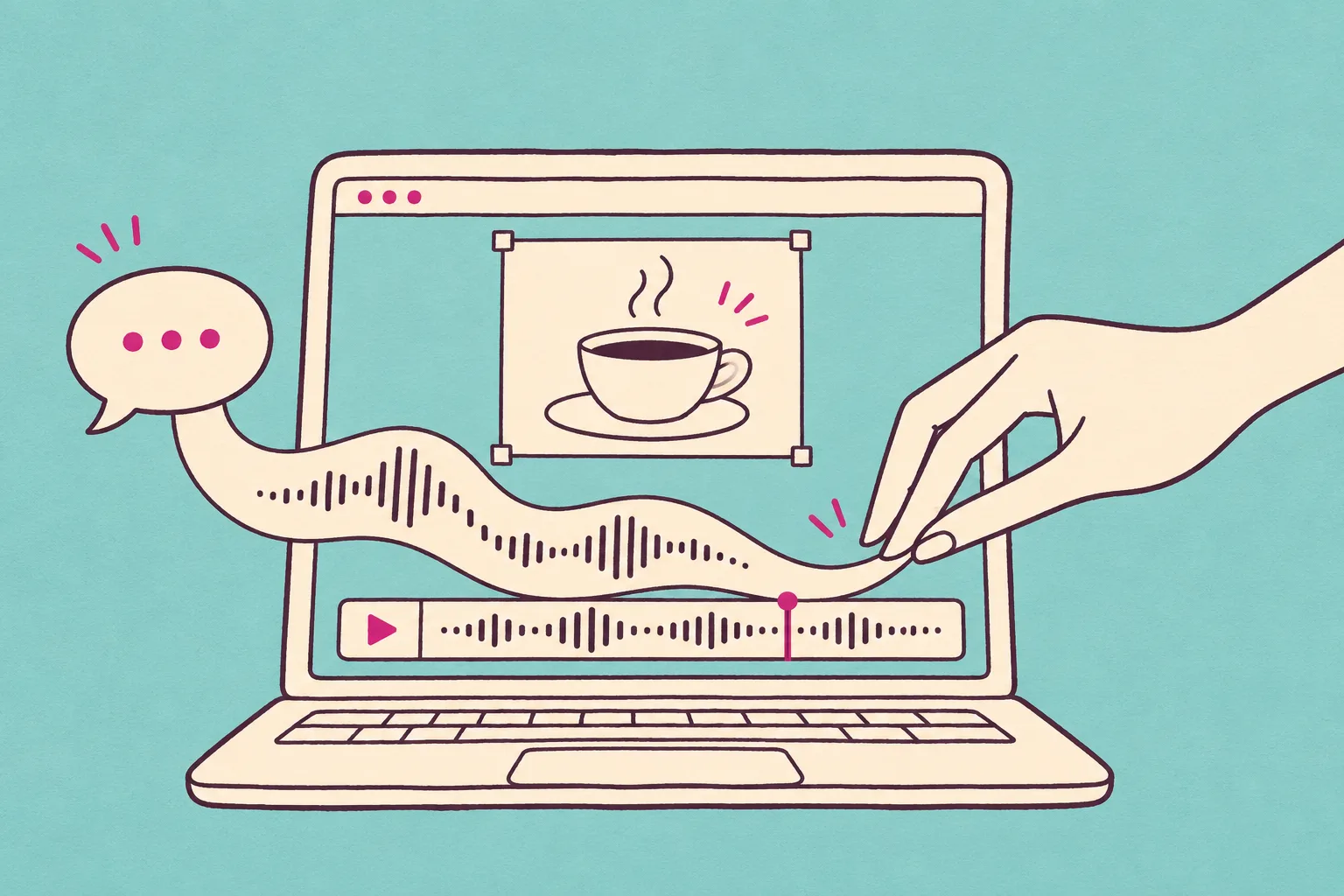
The café name is the part the listener needs to remember. Put the voice at a comfortable level first, then bring the music up beneath it. Dip the music just before the speech and let it recover after the last word. A busy piano or bell phrase may need a sparser arrangement as well as a lower volume.
Compare the 15-second instrumental above with this voiced mix. The example voice enters at 3 seconds; the music returns after the invitation. Play it quietly on a phone: can you still understand “Corner Café” without reading the script?
“This December, there’s a seat by the window. Join us for cocoa at the Corner Café.”
Café invitation · with voiceover
Hear the music dip under the invitation and return for the end card.
Revise the part that is not working
In Wubble, continue the same conversation instead of rewriting the entire brief. Refer to the take you chose, say what to preserve and identify the moment that needs changing. Music, voiceover and SFX can stay with the same project brief; each result still needs an audition.
| The problem | A useful follow-up |
|---|---|
| Too busy under the offer | “Keep the swing and bass. Make the piano sparser while the invitation is spoken.” |
| Festive, but too grand | “Keep the melody intimate. Use a small trio and lighter bells.” |
| The logo has no landing | “Give the ending one resolved piano chord, with space for its tail.” |
If your film needs a door chime or a paper-ribbon sound, describe that action separately in Sound effects. Add a voiceover from your final script. Check those layers together instead of asking the music track to carry every sound in the scene.
Check the final holiday video—not only the track
Play each export from start to finish. Check that the voice stays clear, the last musical phrase fits beneath the end card and nothing clicks at a join. Keep a music-only version for another language or a late copy change. Listen once with headphones and once through a phone speaker.
For paid placements or client work, match the intended use to your Wubble license. Browse the Christmas music collection for all six compositions and their 15/30-second edits. For a deeper campaign workflow, see AI music for ads.
AI Christmas music: common questions
Describe seasonal instruments, a mood and the scene: a light sleigh-bell pickup, celesta, warm strings or a small jazz trio. Ask for an original musical idea rather than a named song or artist imitation.