AI sound effects, made for the moment
Your AI sound effect generator and SFX maker for video, games, apps, and more.
See the sound take shape
Hear the sound before you make it.
Press play to listen to available sound-effect previews.
Logo reveal impact
1.5s
Cinematic whoosh
1.2s
Door close foley
0.8s
UI tap confirmation
0.3s
Night ambience
20.0s
Camera shutter click
0.2s
Heavy footstep
0.6s
Soft notification
0.4s
Sound-effect licensing and delivery formats
100% royalty-free
Made for the work you put into the world.
- Client work
- Published content
- Commercial releases
Ready for every handoff.
Best for Edit. A production-friendly source file for editing and delivery workflows.
Open export guideTrusted by teams at leading organizations.
- Warner
- Disney
- Starbucks
- HP
- L'Oréal
- Microsoft
- Coromandel






Find the sound you need.
26 sound-effect categories ready to explore
 Ambience & places
 Nature & weather
 Animals & creatures
 Foley & materials
 Movement & footsteps
 Home & office
 Food & drink
 UI, tech & devices
 Vehicles & transport
 Industrial & machinery
 Cinematic & transitions
 Music & performance
 Sci-fi & fantasy
 Horror & suspense
 Action & sports
 People & comedy
 Seasonal & culture
 Creative workflows
 Retail & services
 Health & science
 Education & learning
 Emergency & security
 Travel & landmarks
 Internet & broadcast
 History & military
 Events & celebrations
For developers
Wubble Sound Effects developer tools
Build with Wubble Sound Effects API
Developer quickstart
Learn the basics and make your first sound-effects request with the Wubble API.
const response = await fetch('/v1/sound-effects/generate', {
  method: 'POST',
  headers: {
    Authorization: `Bearer ${process.env.WUBBLE_API_KEY}`,
    'Content-Type': 'application/json',
    'Idempotency-Key': crypto.randomUUID(),
  },
  body: JSON.stringify({
    text: 'Heavy rain on a tin roof',
    duration_seconds: 5,
    loop: false,
  }),
});
Showing Sound Effects API
Choose the plan that fits your creative output, delivery needs, and team.
- Unlimited generations
- Generate and refine sound effects
- Royalty-free downloads within your plan usage rights
Free
Basic
Business
Enterprise
Frequently asked questions
Describe the moment you need, then refine the result in Wubble. Specific details such as the material, motion, distance, space, and energy make a useful starting brief.
Recent updates
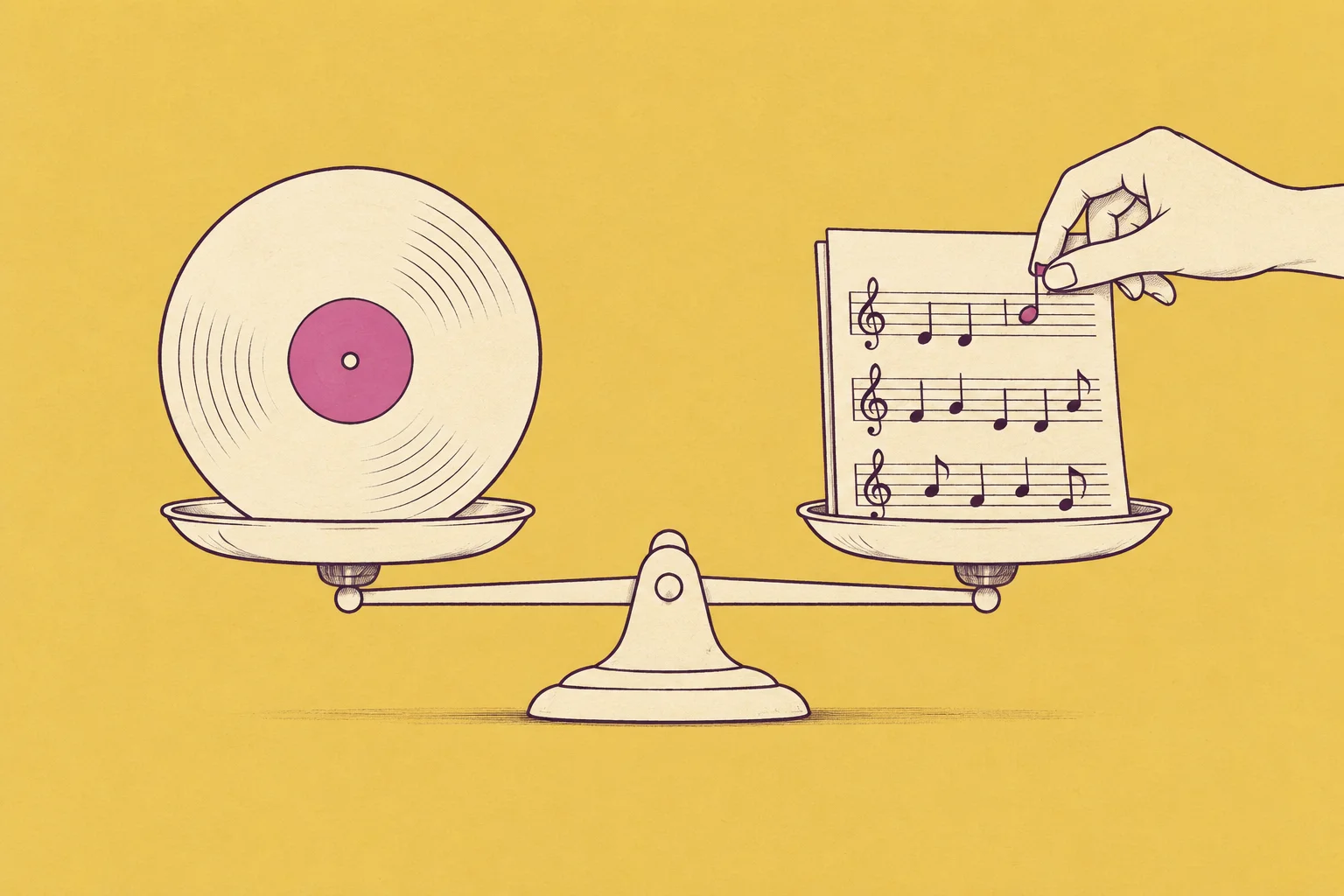
Wubble in Tech in Asia: AI music and copyright
Read the Wubble-hosted context and the original source.
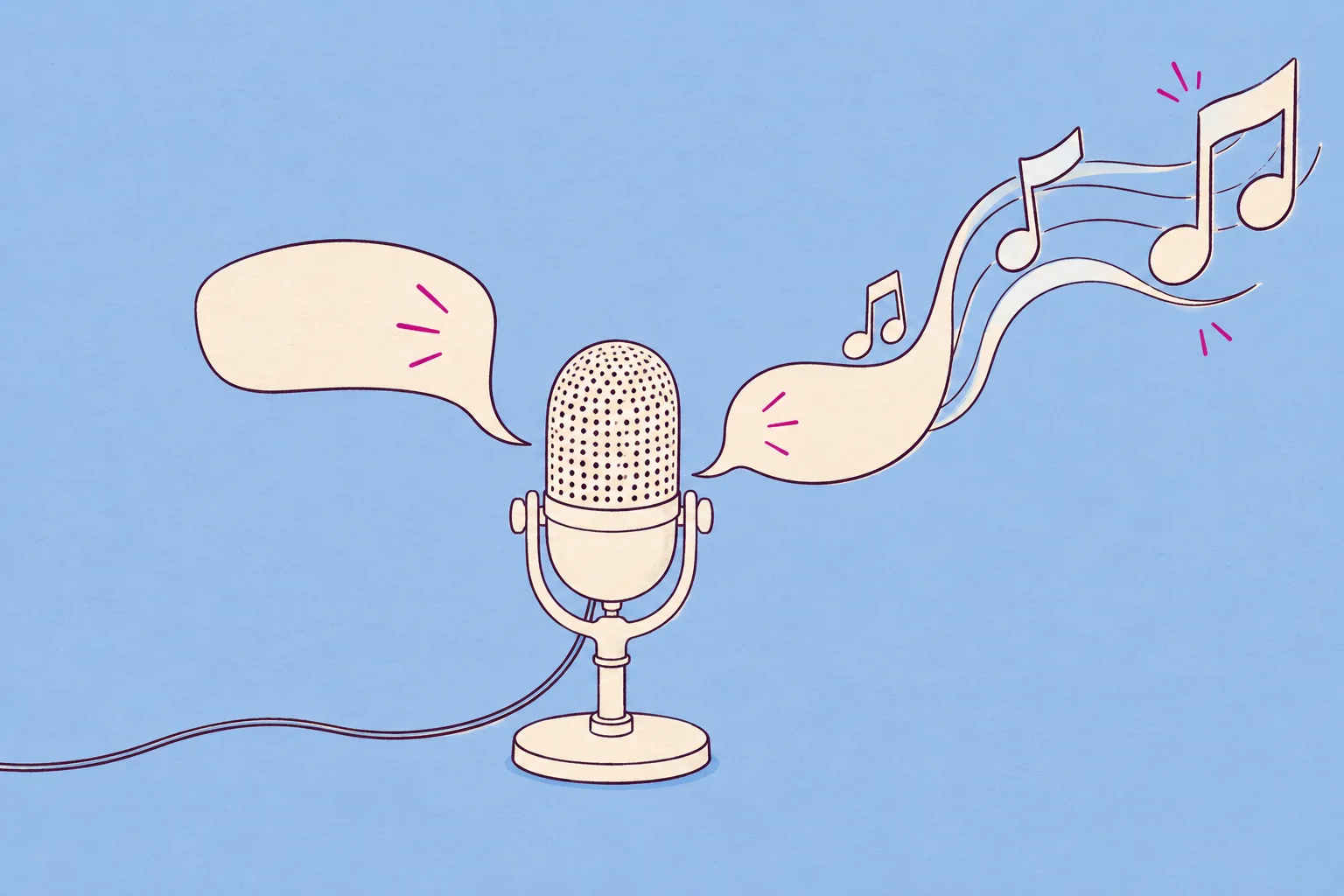
How AI could reshape the power structure of the music industry
Read the Wubble-hosted context and the original source.
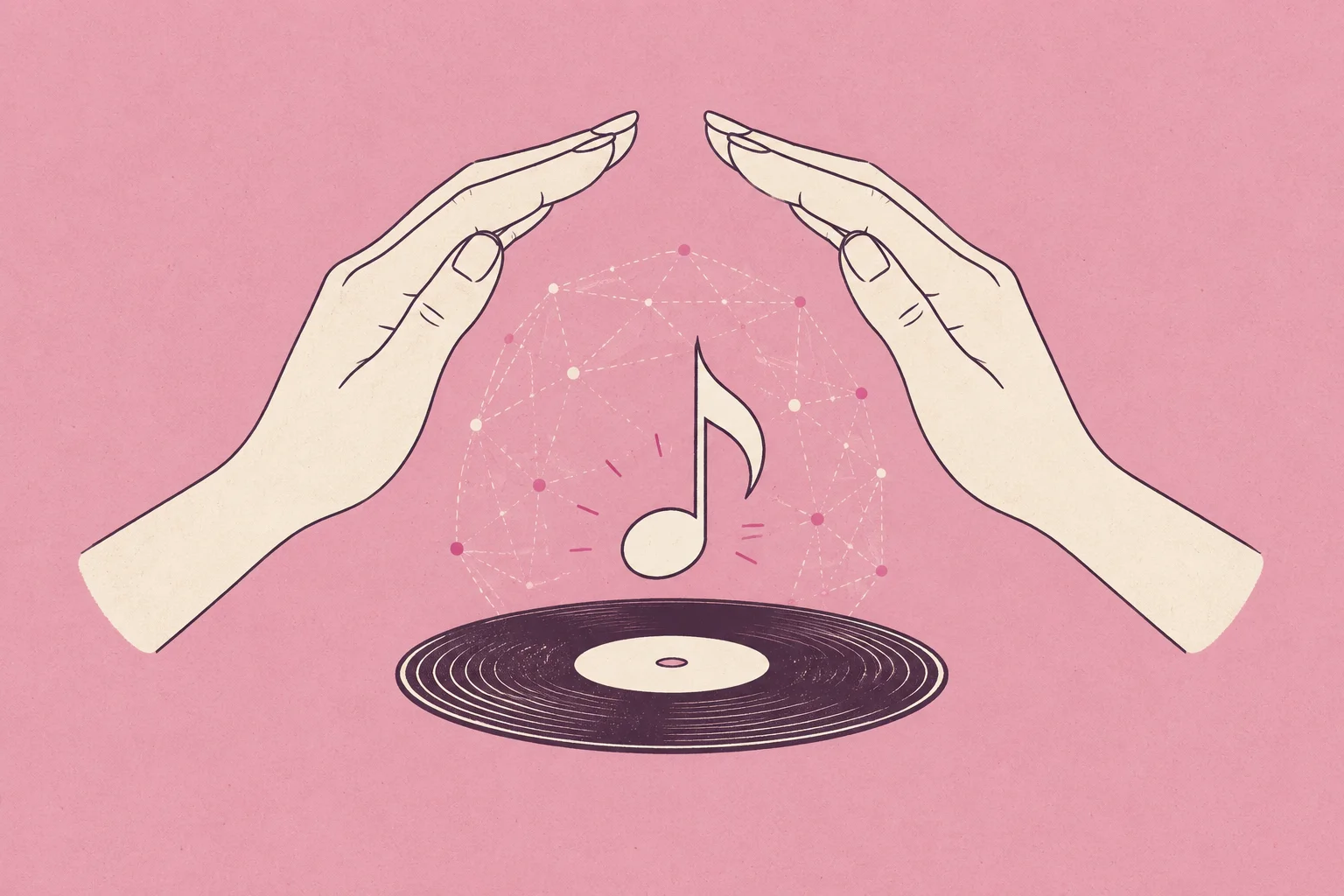
Musicians raise concerns over use of copyrighted songs to train AI models
Read the Wubble-hosted context and the original source.