Make the Scene Feel Real: Foley Sound Effects You Can Hear
- Written by
- Shaad Sufi
- Published
- Reading time
- 10 min read
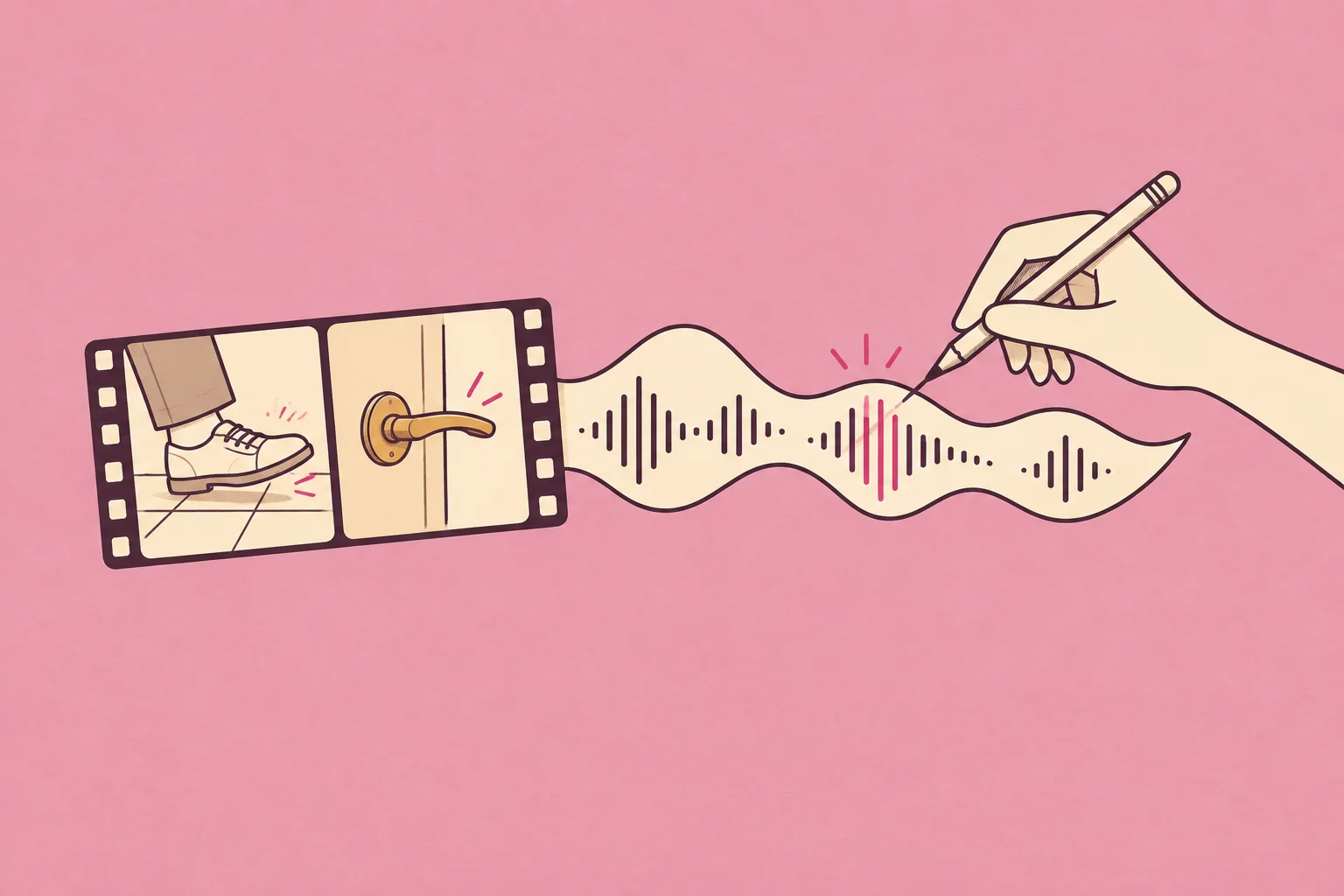
The shoe lands. The sound doesn’t.
A character crosses a room. You find a footstep, drop it under the picture and press play. It’s the right kind of sound—so why does it feel pasted on?
For video editors, filmmakers and animators, believable Foley sound effects come down to three choices: the material, the moment and the distance. You don’t need a bigger sound library to start hearing the difference.
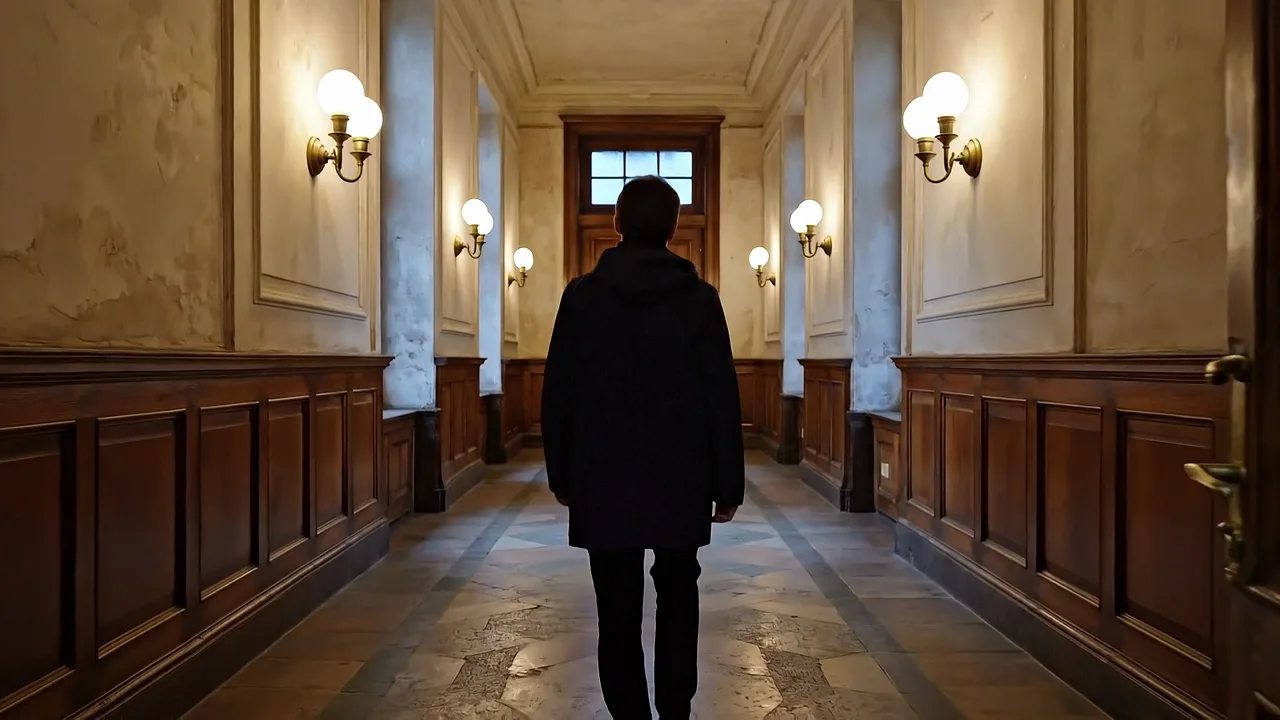
Try this 16-second scene. Watch the walk and the door handle. Hear the finished soundtrack, then try a version with only the footsteps delayed by a quarter of a second. Which feels connected to the picture?
Follow the walk, the coat and the handle. Which small sound gives each action its weight?
Illustrative AI scene. Source sounds were generated, then arranged and edited for this guide; the conversations show how to brief those edits.
What are Foley sound effects?
Foley is the performance and recording of everyday action sounds to match picture. Think shoes meeting a floor, a sleeve brushing a coat or a hand turning a key. A Foley artist performs these details so the movement feels present.
Sound effects is the broader category. A library footstep or an AI-generated movement can fill the same role in an edit, but it isn’t a new recorded Foley performance. Music, dialogue and continuous room ambience do different jobs.
| Family | Watch for | Make it feel… |
|---|---|---|
| Feet | A heel landing; a sole dragging | The right weight on the right floor |
| Cloth | A turn, a reach, a jacket settling | Like a body moving inside clothes |
| Props | A latch, cup, bag or set of keys | Made of the material you can see |
You don’t have to sound every movement. Make the important action readable; let the rest support it. Berklee’s guide to Foley artists explains how performance and ordinary objects bring that detail to a film.
Hear what each layer adds
Start with the finished scene, then take it apart. In “Build the scene,” add each layer in turn. Switch to “Hear one layer” to listen to the details on their own.
Listen for weight in the feet, movement in the coat and contact in the latch. The room connects both shots.
The quiet room connects the two shots. Now remove it: can you feel the space disappear?
Each added layer keeps the previous layers at the same level. “Hear one layer” lets you inspect the quiet details without turning up the whole mix.
First, make the material believable
The rhythm can be right while the floor still sounds wrong. A leather sole on stone should suggest a different contact from the same shoe brief on hollow wood.
Audition the two examples below. Ignore which one sounds more impressive. Both use the same three contact markers. Which texture belongs to the floor you can see?
Leather sole · stone
Listen for the hard contact. Would this fit the corridor?
Leather sole · wood
Same rhythm. Does the more resonant surface suggest a different floor?
Leather sole + stone / wood + measured step + close
Each candidate uses one contact, repeated at 0.5, 1.5 and 2.5 seconds. Match the texture to your picture before adding more layers.
How this comparison was made
The two generation briefs differ only in the floor description. We extracted one contact from each, matched their peak levels and placed them on identical markers. These are generated interpretations, not recordings of the same performer on two real floors.
Then, put the contact in the right frame
Zoom in on the moment the shoe meets the floor or the handle begins to move. Put a marker there. Find the sound’s attack—the first meaningful impact or movement—and align that, rather than the beginning of a file with silence at the front.
In the opening comparison, only the footsteps move six frames later. The picture, clothing, latch and room sound stay the same. The change is small on a timeline and much easier to judge while watching.
A person walking away should sound further away
Close footsteps can feel glued to the viewer even while the character recedes. Start by lowering them. If they still feel too close, soften the sharp detail and check the room’s sound.
Below, the revised footsteps gradually fall by 6 dB over eight seconds, with their bright edge softened. The clothing and room sound are unchanged. Follow the character away from the camera: does the walk sit more naturally in the space? This is a simple perspective edit, not a full acoustic simulation.
Before · fixed presence
Steps keep the same levelAfter · receding footsteps
Gradual 0 → −6 dB · softer top endSame eight seconds and contact markers. Only the footsteps change; clothing and room sound are identical. Waveforms share one scale.
Record, search or generate? Choose the shortest useful route.
If you have the coat, perform the rustle. If a library cue already fits, use it. If every result has the wrong surface or weight, a custom brief may be a better next step.
Swipe to compare all three →
| What you need | Record Foley | Sound library | Wubble |
|---|---|---|---|
| New physical performance | |||
| New sound from a text brief | |||
| Recording setup needed | |||
| Change the result | Perform again or edit | Swap or edit | Ask for a revision |
| Timing check against picture |
A library means selecting an existing recording here. Hybrid tools may also offer generation. Recording gives you performance control; Wubble gives you conversational direction.
Make your first Foley sounds with what’s beside you
Pick a clip you own: putting a mug down, closing a bag or opening a door. A phone can get you started. Use a quiet room, keep the recorder still and listen to a test take before recording the whole action.
| Your shot | Try recording | Change between takes |
|---|---|---|
| A sleeve moves | Your own jacket, moved by hand | Short brush versus slow movement |
| A bag lands | A bag on a sturdy table | Gentle placement versus a heavier landing |
| Someone enters | Your shoes on a suitable floor | Pace, pressure and recorder distance |
| Keys change hands | A small key ring, lifted and caught | One light jingle versus a longer rattle |
| A cup meets a desk | A mug placed gently on a stable surface | Direct contact versus a soft coaster |
| A handle turns | Your own door mechanism | The press, click and release separately |
Move the microphone before reaching for an effect. A closer position reveals contact detail; a more distant position captures more of the room. Record both from the same action and compare them against the shot. Keep the recorder off the surface you are handling so bumps don’t travel straight into it.
- Watch first. Mark the main contact and rehearse its rhythm.
- Record a few variations. Leave a little silence around each take. Keep levels low enough to avoid distortion.
- Choose against the picture. Trim unwanted handling noise, align the attack and fade cut edges where needed.
- Balance in context. Bring the original scene audio back. Your new detail should support it.
For a full recorded example, AIMM’s Foley tutorial takes an action clip through individual performances and a final mix. If you already edit in Resolve, Fairlight lets you work with audio alongside picture.
From a sound brief to the finished walk
Here is the actual footstep brief and the untrimmed sound made for this guide. A generated file is a starting point. Choosing the contact, placing it and balancing it against the picture are what turn it into a scene.
One single measured heel-to-sole footstep in a leather-soled dress shoe on a hard stone indoor floor. Dry close perspective, medium weight. Exactly one contact at the beginning followed by its short decay. No other steps, room ambience, cloth, music or voices.
Listen for the silence before the contact. Dropping the file’s start on a picture marker would make the impact late.
- Keep the contactTake 0.93–1.35s from the source. Fade its edges.
- Place the walkArrange that contact on 15 picture markers in the opening shot.
- Refine the distanceLower only the feet gradually by 6 dB and soften frequencies above 3.5 kHz. Keep the room, cloth and latch.
This isolates the editing lesson. In a finished production, use several matching takes to avoid an identical repeated footstep.
Can’t find the right sound? Describe the action.
In Wubble, you can start with text or bring a video, image or audio reference. A clip shows the movement; a still can explain a surface or space; an audio reference helps describe the texture you want.
Keep the timing that works, then direct the texture and level. Compare First assembly with Refine only the feet below. The worked revision changes one layer while preserving the approved sounds around it.
Adding a score too? Follow our music-to-video guide to keep the voice and small details clear.
Next, check the mix. If you add dialogue, keep the footsteps beneath it. Keep effects separate so you can revise them without replacing an approved voice.
The detail you miss when it disappears
Foley artist Gary Hecker describes cloth as especially important when dialogue is replaced or a film is prepared for another language. Removing the original speech can also leave the surrounding movement feeling empty.
The lesson for a small team: listen again after replacing a voice. Is the character’s turn still present? Did a sleeve or hand movement disappear? Restore that physical detail without burying the new words.
That’s why keeping voice, action sounds and ambience separate helps with later revisions. Our video dubbing guide follows the language change; our sound design guide shows how the whole soundtrack works together.
When it still feels wrong, check this
| What you notice | First thing to check |
|---|---|
| The sound arrives late | Align its attack to the visible contact. |
| The shoe sounds too heavy | Try a lighter performance or candidate before EQ. |
| The coat sounds like constant static | Keep only the movement you can see; lower the rest. |
| The character never sounds further away | Adjust level and brightness as perspective changes. |
| A cut makes the room vanish | Keep a continuous ambience track beneath the edit. |
| Every step sounds identical | Use different takes while preserving the character’s shoes and surface. |
Before exporting, play the scene at a modest volume, then on a phone speaker. Check the important contacts and the final tail. Save the editable tracks so a picture change doesn’t mean starting again.
A few questions before your next scene
What’s the difference between Foley and sound effects?
Foley is action sound performed and recorded to picture. Sound effects covers a wider range, including designed effects and recordings from libraries. A library or generated cue can fill a Foley-like role without being a new live performance.
Can I make Foley without a studio?
Yes. Start with one quiet room, a phone or recorder and an action you can repeat. Test for background noise and distortion. A convincing performance is more useful than complicated processing of the wrong sound.
Can AI create Foley sound effects?
AI can generate footsteps, fabric movement and object sounds for a scene. Describe the action and material, then review timing, unwanted sounds and perspective against the picture. Generation doesn’t replace that editorial check.
Are free Foley sounds safe to use commercially?
Check each asset’s license: a free preview is not necessarily permission to publish. Wubble offers royalty-free audio under its applicable terms; confirm your plan and intended use in the license. Royalty-free doesn’t mean unrestricted or exclusive.
Can I use Foley in a game?
Yes, but footsteps and props must respond to player actions rather than one fixed film timeline. Prepare variations and surface-specific cues. Follow our game sound-effects guide for an interactive-world workflow.
Start small: one shot, one contact, one convincing sound. When that lands, build the rest of the scene around it.
Sources and further viewing
- Berklee: Foley Artist — the craft and role.
- AIMM: How to Create Foley Sound Effects — recorded demonstrations and final mix.
- Gary Hecker’s first-person interview — cloth, performance and perspective.
- Motion Array: Foley Sound Effects — sourcing and placing effects.
- Krotos: Foley Sound Design — further recording and editing guidance.
- Wubble: Media-to-SFX — supported reference inputs.
Sources checked 13 October 2026.