Don’t Lose the Story in Translation: Choosing Video Dubbing Services
- Written by
- Shaad Sufi
- Published
- Reading time
- 10 min read
A new audience. The same reason to keep watching.
Your video works in English. Now it needs to work in another language—without a rushed voice, a lost joke or music drowning out the message. Video dubbing services replace the spoken audio with a performance in another language. The goal is a video people still want to watch.
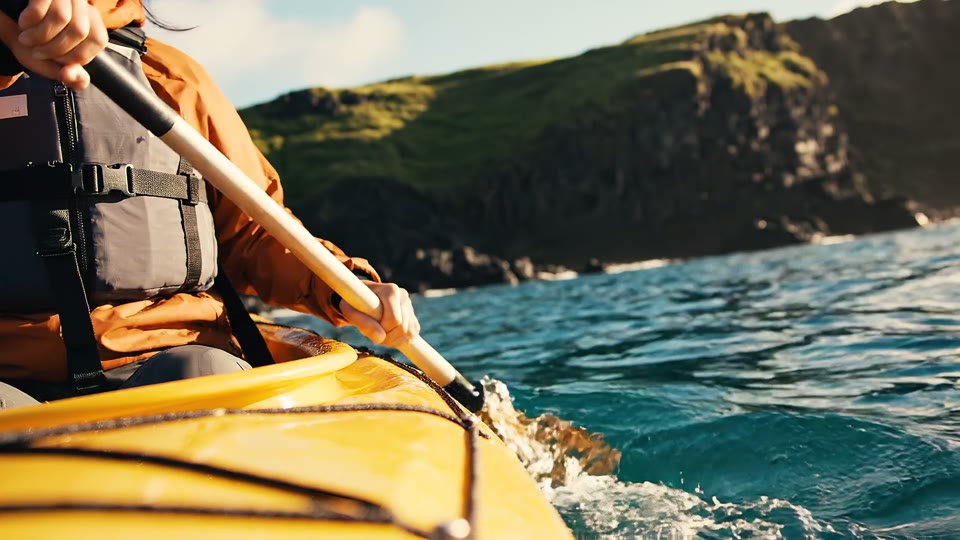
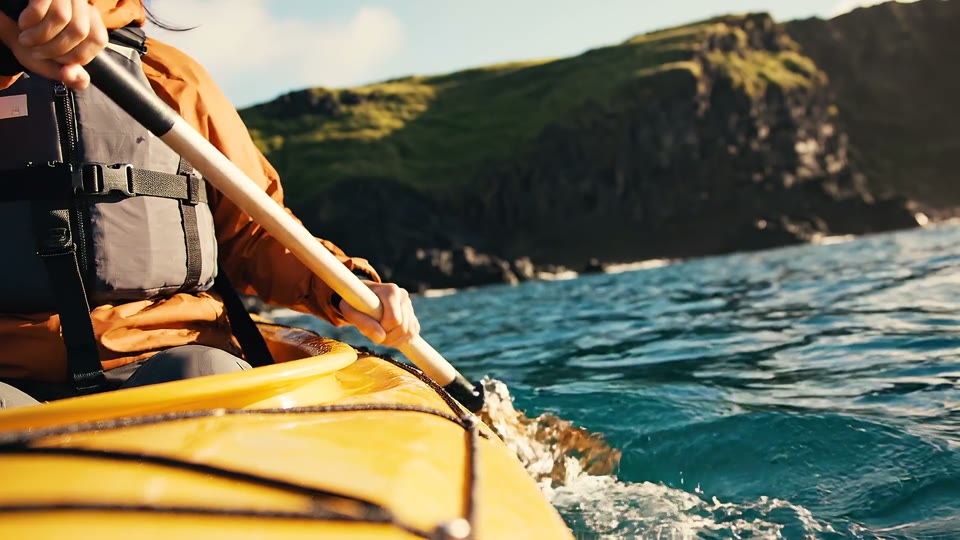
Start with this 15-second travel campaign. Play the Japanese version, then the English original. Then see how to brief a dub, shorten a line against the same footage and finish with captions.
Trusted by teams at


Can I use Wubble for my video?
Start with the job you need done. These examples show narrated videos; a fast conversation between several on-camera speakers needs its own sample test.
| You need | What to know |
|---|---|
| Another language | Preview: English → Japanese. Confirm your language pair and regional variant. |
| A video you already have | File upload or source URL via the API. Confirm limits using your file’s type, size and runtime. |
| Several speakers | Test speaker changes and overlapping speech in your sample. |
| Video and captions | Agree the video format and on-screen or separate captions. API transcripts: SRT, WebVTT or JSON, when available. |
| Translation approval | Your fluent reviewer approves. Confirm any managed-review service separately. |
| Predictable costs | Unlimited generations on a plan with dubbing. Downloads follow the plan; API usage has separate terms. |
For the broader voice workflow, explore Wubble’s voice features and examples. For a delivery date, agree the sample, language review and final-export milestones—not just the generation time.
Do you want to direct the dub—or hand it over?
Choose by how much of the work you want to own. A team updating tutorials every week needs a different arrangement from a producer handing over a film for casting and direction.
| Approach | Best fit | Who handles revisions? |
|---|---|---|
| Conversational AI Wubble’s approach | You want hands-on control and frequent changes. | You direct the edits; your reviewer approves the language. |
| Managed AI dubbing | You want a team to organize translation and delivery. | The service coordinates the agreed review rounds. |
| Traditional studio | You need actor casting and directed recording sessions. | The production team arranges pickups and rerecording. |
These are service models, not fixed quality rankings. Review scope depends on the agreement. For our travel film, the task is off-screen narration. On-camera dialogue adds mouth-sync requirements; slides and tutorials may also need translated on-screen text.
Subtitles change what viewers read. Dubbing changes what they hear. Full localization can also change graphics, currencies and examples.
Make another version without watching a minute meter
Keep refining the voice without counting every generated minute.
Other services Per-minute billing
Total follows billable minutes
Check the quote’s revision allowance.
Wubble Plan-based creation
Unlimited generations
Generate · Refine · Repeat
| What you get | Wubble | Other servicesPer-minute billing |
|---|---|---|
| No per-minute generation charge | ✓ | ✕ |
| Unlimited generations in your plan | ✓ | Quoted minutes |
| Conversational edits | ✓ | Varies by service |
| Voice, music & effects together | ✓ | Check the scope |
“Other services” means services billed per minute—not every dubbing tool. Wubble features require a plan with dubbing; downloads follow your plan. API terms are separate.
Start with the travel film and a clear brief
Bring the video, target audience and the message you need to keep. Images can explain the visual mood; an audio reference can guide delivery. Use the video itself for timing.
Give specific direction: “Make the invitation warmer,” “Shorten the closing line,” or “Lower the music under that sentence.” Use the example conversation below to see the brief and compare the cuts. For your own project, nominate a fluent reviewer to approve meaning and delivery.
One film. A new language. One conversation.
Explore this example conversation. Choose a step and play its campaign cut.
Start with the film

Start with the story you want to keep. Then direct the language, performance and finishing touches.
The line is too long. Fix the words before the speed.
Now imagine a Spanish version of the same campaign with five seconds for the invitation. The first narration clip is 5.53 seconds; the revision is 4.46 seconds. Watch both against the same footage: does the shorter wording give the invitation more room to land?
Illustrative narration-edit example on the same travel footage, with music and effects omitted so you can judge the pacing. Same voice and speed setting; only the wording changes.
Deja atrás tu rutina de todos los días y ven a descubrir tu próxima aventura al aire libre.
“Leave your everyday routine behind and come discover your next outdoor adventure.” Listen for how long it takes to reach the invitation.
Wubble · Example direction · Spanish version of the travel film
Deja la rutina atrás. Descubre tu próxima aventura al aire libre.
“Leave routine behind. Discover your next outdoor adventure.” Listen for the pause between the two thoughts and the space after the invitation.
The narration clip is 1.07 seconds shorter, leaving 0.54 seconds in the five-second brief. Both videos run 6.5 seconds so you can hear the complete takes. Timing is measured; fluent-speaker approval of the Spanish is still pending. This is an editing illustration, not a lip-sync demonstration.
Changing the voice should not erase the world around it
A translated line can be accurate and still feel pasted on. Music can bury a quiet word; the original voice can leak through; an edit can remove the room sound that made the scene believable.
Start with separate dialogue, music and effects tracks. Replace the voice, then rebalance the mix. With only a flattened video, test speech removal first—it can leave artifacts or remove useful sound.
Replay the travel film and listen between phrases: the outdoor sounds should still belong to the picture. Use the gaps between phrases to check for a missing effect or a trace of the original voice.
Finish the version people will actually watch
In the travel conversation above, select Finish with captions and enlarge the video. Watch once with the sound off: can you follow the invitation without the captions covering important action?
Burned-in captions stay on the picture; selectable caption files can be turned on or off by the viewer. Use the final spoken wording and include relevant sound information. W3C explains accessible captions.
Approve the difficult minute before the whole project
A voice can sound convincing even when a name, condition or instruction is wrong. Choose up to a minute containing your hardest line, a number, a name and any speaker changes. Your fluent reviewer should watch the finished video—not just read the transcript.
| Ask the reviewer | Send a specific correction |
|---|---|
| Does it mean the right thing? | “This changes the offer. Keep the original condition.” |
| Would someone say it this way? | “Use the everyday term our customers use.” |
| Does it fit the picture? | “The instruction finishes after the screen changes.” |
| Does the person still feel right? | “This reassurance sounds excited. Make it calm.” |
| Is the final mix clear? | “The music masks the last word. Lower it there.” |
Keep one approval record: language and regional variant, reviewer’s name, exact video version, corrections made and approval date. Recheck the changed line with the sentences around it, then check captions against the final spoken words.
New videos every week? Connect dubbing to your workflow.
Uploading the same training video for each language becomes repetitive. Your developer can connect Wubble’s dubbing API to your existing workflow: send a file or source URL and a target language, then track the job until the result is ready.
Send one target language per request. Retrieve captions through the transcript endpoint when available.
Keep each result attached to its source video, language and revision.
This is a custom integration, not a built-in connection to every learning platform or CMS. API usage has separate terms. For dubbing automation, use the documented API. The current ChatGPT/MCP tool list marks dubbing and dubbing-transcript tools as deferred.
Find the voice that fits your audience
Browse every language in Wubble’s voice library below. Choose a language to explore its voices and find the right delivery for your audience. Confirm dubbing support for your language pair separately.
33 languages · 2,899 voices
Before you send your video
Can I try it before choosing a paid plan?
You can explore voice generation and conversational editing on Wubble’s Free plan, which has a limited personal-use download allowance. For dubbing, check the plan that fits your project and discuss a representative sample with the team.
Will AI dubbing match the speaker’s lips?
Not automatically. Timing speech to a segment, rewriting words to fit visible mouth movements and altering the video’s lips are different operations. Agree which is being provided and approve a close-up sample.
How long does a dub take?
Plan for the first draft, language review and final export. Video length, languages, casting and correction rounds determine the schedule; a fast first generation is only one part of it.
Can I keep the original music and sound effects?
Yes. Supply separate music and effects tracks when available, then compare the finished mix with your original. A flattened soundtrack may need separation and cleanup.
Is the audio royalty-free?
Wubble audio is offered under its subscriber license; choose terms covering your use. That does not give you rights to someone else’s video, soundtrack or voice. Obtain permission for supplied recordings and any voice cloning, and agree the intended distribution.
What should I send first?
On the contact form, choose “Feature questions” or “Request a demo.” In the message, include your source → target language, audience, runtime, number of speakers and publication channel. Mention any lip-sync or caption needs. A video link is useful if it is approved for sharing; you do not need to upload files to the form.
Ask the team to confirm three things: whether your project is supported, the plan and deliverables, and how a representative sample and its language review would be arranged. Agree the scope first, then approve one corrected clip before producing every language.
Working on the original narration first? See our guides to training video voiceover and text to speech for ads.