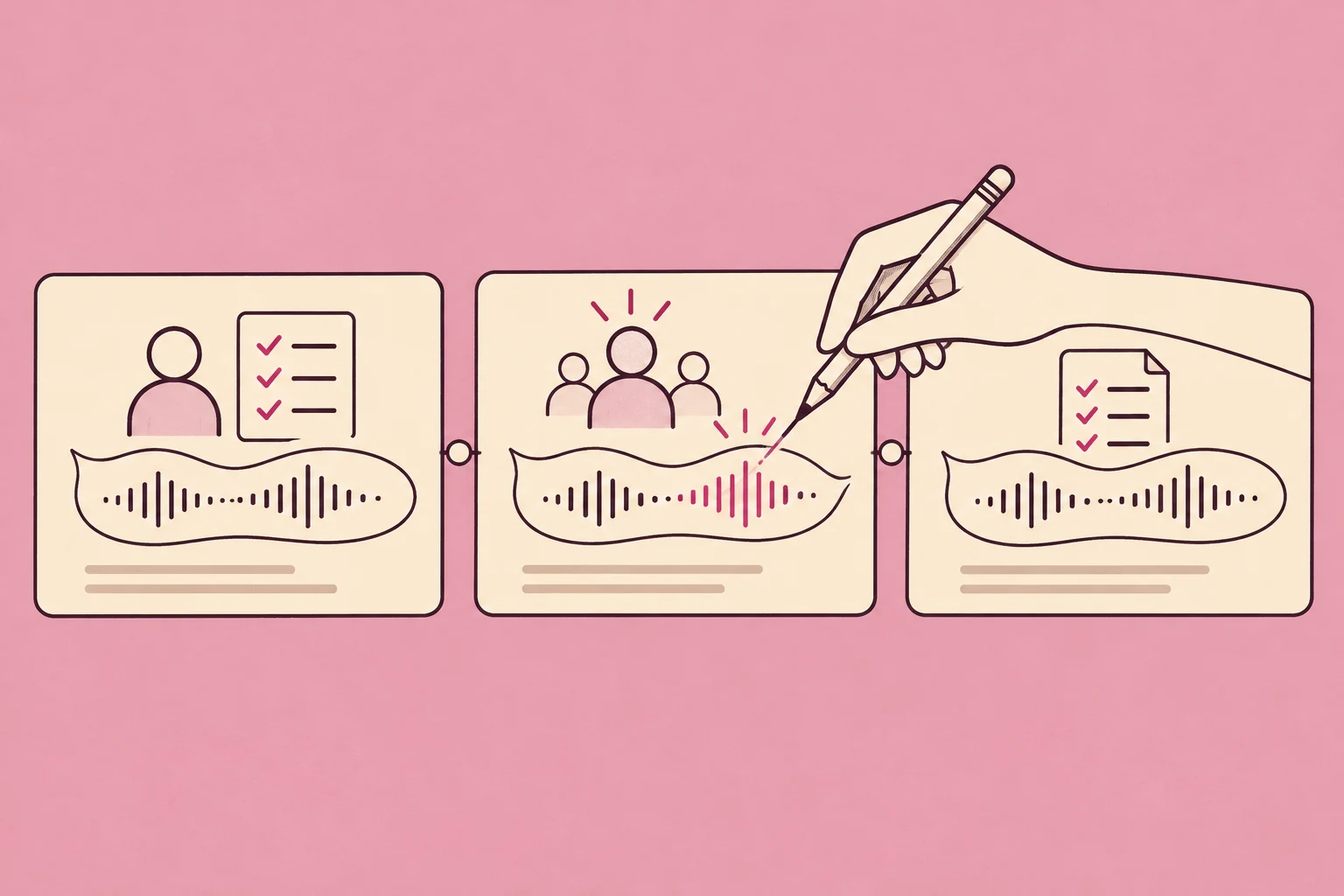
Lossless Audio: Keep the Sound. Lose the Repetition.
Lossless audio keeps the original digital samples intact. Explore the formats, hear verified restorations and estimate what reducing repeated audio could save your team.
- Written by
- Shaad Sufi
- Published
- Reading time
- 15 min read
Keep the recording, not the repetition
A team changes the last second of a campaign soundtrack. The revised file is almost identical to the original, but both stay in the archive—along with the approved copy. Multiply that habit across years of production and you keep paying to store the same sound.
Lossless audio preserves the original digital audio samples. Lossless compression stores them more efficiently so they can be reconstructed exactly. For listeners, that protects the supplied recording. For production teams, it can also reduce the cost of keeping useful work.
This guide explains the formats, then tests Wubble’s experimental WBL archive on related versions. Hear the restored files, compare a fairer storage baseline and estimate the value for your own archive.
| Your goal | Start here |
|---|---|
| Listen | Check your source, connection and playback device |
| Edit | Keep a lossless master; make separate delivery copies |
| Manage an archive | Estimate what avoiding repeated bytes could save |
An ending changes. The rest stays.
The brief: “Let the music end more gently, without changing the first seven seconds.” Try “Campaign music” and “Music with revised ending” below. The softer finish leaves a quieter landing for a closing logo or spoken line.
We reused eight seconds of the music bed from our training-video article and applied a final-second fade offline. This is an illustrative campaign brief, not a customer case study. The synthetic cue remains available for comparison.
Listen from 0:07. The revised ending should fade sooner. For either version, switch between “Before archive” and “Restored”: storage should not change what you hear.
The result should sound unchanged.
Follow the last note. It should ring out identically before and after storage. Press play after choosing a version.
See the matching SHA-256
Input and restored audio share this decoded-PCM checksum:
41d10ada7173368a2fa9be04b434598835dcd8bab1791d9f99446c4bc920a03eListening is a preview. The sample comparison verifies this exact restoration.
What does “lossless audio” actually mean?
Think of a recording as a sequence of numbers describing a signal. A lossless encoder stores those numbers efficiently. A decoder reconstructs them. If the decoded numbers match the input, the audio has survived that round trip exactly.
| Approach | What it keeps | Useful for |
|---|---|---|
| Uncompressed PCM in WAV | The samples directly | Editing and exchange |
| Lossless compression: FLAC / ALAC | Enough information to reconstruct every input sample | Smaller lossless libraries |
| Lossy compression: MP3 / AAC | An approximation designed to use fewer bits | Compact listening and delivery |
FLAC’s documentation describes this as audio-specific lossless compression. A WAV filename alone doesn’t guarantee the encoding inside it; this article’s WAV examples use uncompressed PCM.
Lossless also doesn’t mean high-resolution, louder or automatically better sounding. CD-quality audio is commonly 16-bit/44.1 kHz; a lossless file can use that resolution. A bad recording stays a bad recording, and converting an MP3 to FLAC cannot restore information already discarded.
Where the extra megabytes come from
Before compression, three settings do most of the work: sample rate, bit depth and channel count. One minute of stereo PCM at 48 kHz/16-bit contains 11.52 MB of audio data. At 96 kHz/24-bit, that becomes 34.56 MB.
The graph compares the same one-minute duration. These are calculated PCM payload sizes, not measured FLAC sizes or a ranking of what sounds best. Lossless compressed size depends on the actual signal.
One minute. Three storage budgets.
Will you hear a difference?
You may not notice a difference between a lossless file and a well-encoded lossy version. The recording, encoder, playback chain, environment and listener all matter. An exact match is something you can measure; an audible improvement needs a fair listening comparison.
If you are listening, check the whole playback path: source quality, app settings, connection and output device. Apple’s lossless guide explains the wired and device-specific requirements and the extra storage and data involved. Don’t assume a lossless setting makes every wireless connection lossless.
| Check | What to do |
|---|---|
| Source | Choose a lossless track; converting an MP3 cannot restore missing information. |
| App | Enable lossless for streaming or downloads on each device. Follow Apple’s device instructions or Spotify’s lossless guidance. |
| Connection | Check the complete device pair and codec. A lossless file alone does not guarantee lossless wireless playback. |
| Listening test | Use the same recording and playback level. A louder version is not evidence of better fidelity. |
If you are editing, keep a lossless working master and make delivery copies to the recipient’s specification. This is especially useful when revisiting music stems or making repeated changes to a video soundtrack. You preserve options without promising that listeners will hear a dramatic difference.
WBL asks a different storage question
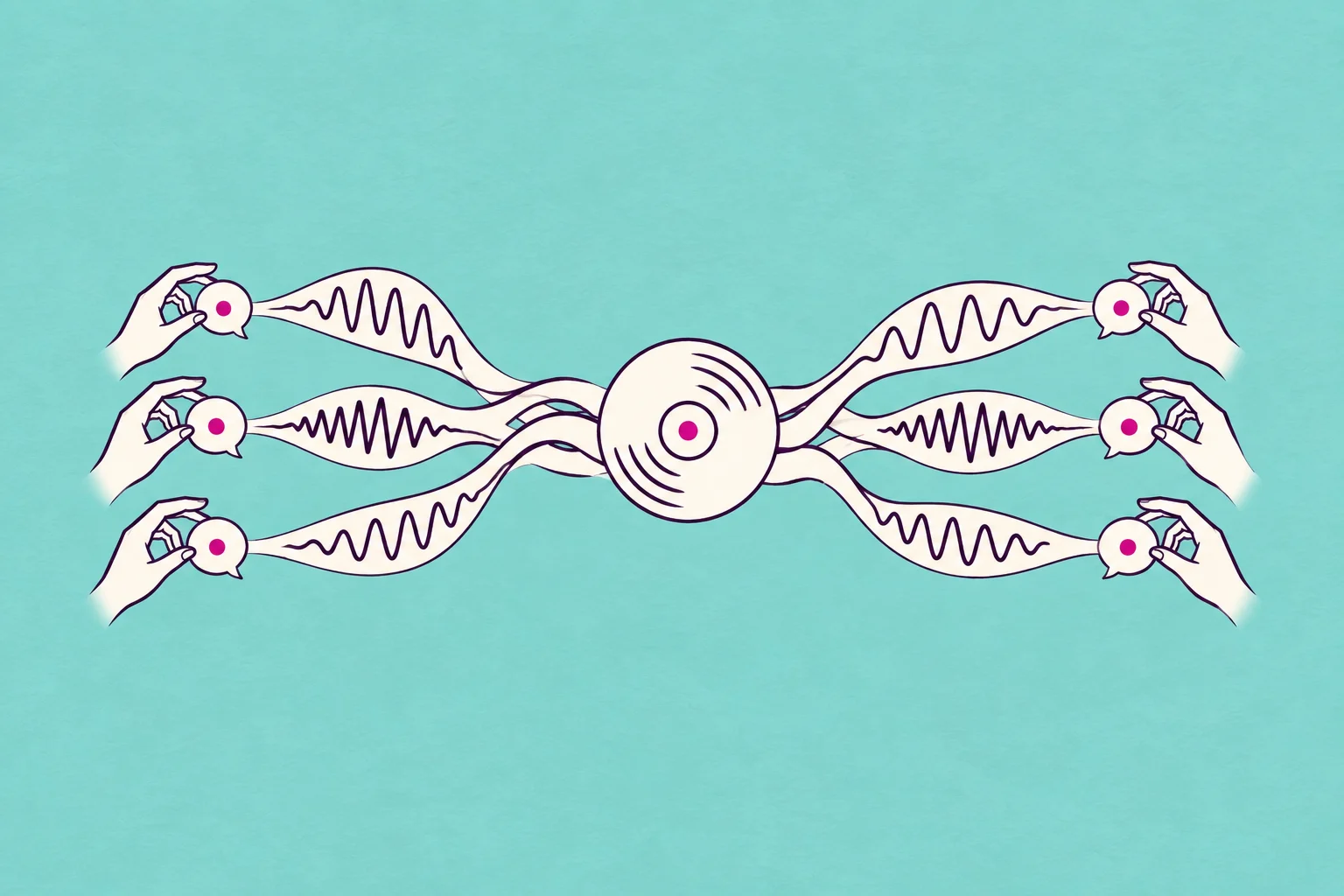
FLAC compresses an individual audio stream. WBL explores a different unit: a small collection of related recordings. It can keep one reference recording, point an exact duplicate back to it, and store the precise difference needed to reconstruct a compatible edited version.
That difference is called a residual. Add it back to the reference and you recover the edited recording. If storing the residual costs more than storing that file independently, the prototype keeps an independent lossless entry instead.
WBL is an experimental archive format, not a new streaming codec or a universal replacement for FLAC. The implementation tested here uses FLAC for independent entries and WavPack for integer residuals. The research contribution is how related versions can be stored together.
Store the shared sound once.
Smaller together. Not smaller every time.
Storing the synthetic cue, duplicate and small edit together saved 59.5% against three separate FLAC files. But an archive could already remove an exact duplicate. Against FLAC plus duplicate removal, the saving was 39.6%.
The existing music excerpt showed a 39.3% reduction against the same duplicate-removal baseline. All restored samples matched. Both collections deliberately contain a duplicate and a small edit; they show how reuse works, not what an average library will save.
The controls matter: a single cue was slightly larger in WBL, while unrelated cues were essentially the same size as the deduplicated package. Compare the full package, including the manifest and overhead, before choosing an archive.
Reuse determines the saving.
Dedup = FLAC with exact duplicates removed, plus a manifest to restore every filename.
One cue
No reuse · WBL 0.6% above separate FLAC; 0.1% above dedup
Original + duplicate + small edit
59.5% below separate FLAC; 39.6% below FLAC with duplicate removal
Existing music + duplicate + revised ending
59.4% below separate FLAC; 39.3% below FLAC with duplicate removal
Three different-pitch cues
Independent entries · 0.4% above separate FLAC; essentially equal to dedup
Exact bytes and verification
| Collection | FLAC bytes | FLAC + dedup bytes | WBL bytes | PCM matches |
|---|---|---|---|---|
| One cue | 117,015 | 117,592 | 117,681 | 1/1 |
| Original + duplicate + small edit | 351,278 | 235,536 | 142,173 | 3/3 |
| Existing music + duplicate + revised ending | 385,533 | 258,051 | 156,635 | 3/3 |
| Three different-pitch cues | 352,008 | 353,480 | 353,465 | 3/3 |
What does the research paper show?
In the revised controlled study, CORAL used 18.51 MB for 140 synthetic assets. That is 26.7% less than separate FLAC files and 14.4% less than exact-duplicate removal plus FLAC. Both comparisons include CORAL’s metadata and preview proxies.
CORAL is the research design behind this idea; WBL is the bounded archive implementation used in our playable example. These are separate experiments. The charts below use the August 20 research revision, rather than the earlier draft.
Compare the whole store, not just the audio payload.
14.4% less than duplicate removal + FLAC. The reduction against separate FLAC files is 26.7%. The baseline changes the headline.
What is included in the total?
| Layer | MB |
|---|---|
| Lossless audio payload | 17.55 |
| Fingerprints and manifests | 0.38 |
| Preview proxies | 0.59 |
| Total | 18.51 |
20 synthetic masters plus six derived forms each: exact copy, gain change, resample, padded trim, local edit and decoded MP3. Lossless refers to the supplied decoded PCM, not recovery of information removed by MP3.
More files do not automatically mean more savings
An archive of identical copies already has a simple solution: keep one copy and references. CORAL adds value only when it can also store useful differences cheaply enough to cover its overhead. The paper’s controlled sweep shows both situations.
The kind of repetition matters.

With only exact copies, ordinary deduplication wins. At one derived version, CORAL uses 3.97 MB versus 3.63 MB for deduplicated FLAC. Useful edited versions can change that result.
Read the graph data
| Versions per master | FLAC | Dedup + FLAC | CORAL |
|---|---|---|---|
| 0 | 3.62 | 3.62 | 3.96 |
| 1 | 7.25 | 3.63 | 3.97 |
| 2 | 10.65 | 7.03 | 4.22 |
| 4 | 18.17 | 14.54 | 10.18 |
| 6 | 25.26 | 21.64 | 18.51 |
Beyond the synthetic demonstration
The revised paper also reports a run on an isolated copy of a private audio corpus. Of 3,076 scanned objects, 2,877 supported files were archived and restored exactly. Accounted storage fell from 6.866 GB to 4.445 GB against independently compressed lossless files.
This is stronger evidence than the small listening example, but it answers a bounded question. It does not establish the saving after an existing deduplication system, production performance or what another company’s archive will save.
2,877 accepted files. 35.3% less storage.
Which files and checks are covered?
| Format | Files | Restoration check |
|---|---|---|
| 16-bit PCM mono | 2,781 | Zero sample error |
| 16-bit PCM stereo | 8 | Zero sample error |
| 32-bit float stereo | 88 | Bit-exact; independent storage only |
The independent baseline uses FLAC for PCM16 and WavPack for float32. The accounted archive is 4.445 GB, including 4.354 GB of lossless payload. The 199 excluded inputs are absent from both storage totals.
What could this save a large company?
The example below projects US$25,000 in first-year net savings for a 1 PB archive: US$30,000 less storage spend minus US$5,000 in added costs. It is an adjustable scenario, not a WBL forecast.
Use your own eligible volume, pilot result and costs. AWS’s pricing breakdown explains why storage class, requests, retrieval, replication and transfer all matter.
What could fewer stored bytes be worth?
Current billed volume, including copies.
Only compatible, related recordings.
An assumption to replace with your pilot result.
Use your effective rate after discounts.
Migration, compute, restores and operations.
How the estimate works
Saved TB = stored TB × eligible fraction × reduction within that fraction. Gross annual saving = saved TB × monthly rate × 12. First-year net saving subtracts your added costs.
The defaults are illustrative, including the US$20 rate and US$5,000 added costs. They are not a vendor quote or a WBL forecast. This model holds volume and rates constant, excludes tax and any unentered costs, and assumes avoided bytes reduce billed storage. Enter costs for retaining additional originals during migration; do not remove independent backups to make the estimate work.
The scale is real. The saving still needs proving.
The BBC moved 25 PB of media to the cloud in ten months and manages an archive containing 16 million assets. Its priorities included preservation, accessibility and infrastructure cost. That is a real example of why archive economics matters—not evidence that the BBC uses WBL. Its collection includes mixed media, not just eligible audio. Read the AWS case study.
| Team | A useful pilot | What could limit it |
|---|---|---|
| Advertising / production | Same-length soundtrack revisions with a small ending change | New voiceovers or rearranged edits may share less exact audio |
| Game audio | Successive edits of the same sound asset | Different performances and durations may need independent storage |
| Media archives | Compatible copies and closely related versions | Metadata, long-term decoding and restore requirements come first |
Start with a sample of your actual collection, including files you expect not to benefit. Calculate the eligible proportion after existing compression and deduplication. Apply savings only to that portion.
One campaign. Three files. Two distinct versions.
| File | What changed? | What the archive keeps |
|---|---|---|
| Original music | Starting eight-second excerpt | One full reference |
| Approved copy | Filename only; identical samples | A reference to those same samples |
| Softer ending | A fade in the final second | The reference plus the exact difference |
The next editor still receives ordinary WAV files. The archive is an intermediate storage step. In this test, all three filenames were restored and their samples checked; the first seven seconds of the revised version match the original. Play the two distinct versions.
A filename marked “approved” is only an illustration here. Real approval records, licenses and original container metadata need their own preservation plan.
Could less storage mean faster delivery?
A smaller archive sends fewer bytes across a connection. That can help when moving a collection between machines or teams. It does not establish faster streaming, instant restoration or a faster end-to-end workflow.
For example, 100 MB takes an ideal 80 seconds at 10 megabits per second. A 60 MB package takes 48 seconds at the same rate. This is transfer arithmetic, not a measured WBL speed result. Encoding, decoding, network overhead and the recipient’s tools still count. In one local run, packing the three music entries took 0.273 seconds and restoring them took 0.282 seconds, including codec process startup. An eight-second test is not evidence of TB-scale throughput.
For a handoff today, agree on the recipient’s accepted format first. A smaller package is only useful if the next person can open it. Keep WAV or FLAC delivery available while evaluating an experimental archive.
Which approach should you use?
| Your job | Start here | Why |
|---|---|---|
| Send audio to an editor | Agreed PCM WAV spec | Predictable exchange |
| Keep individual lossless tracks | FLAC or ALAC | Established compatible players |
| Send a lightweight preview | Agreed MP3 / AAC spec | Small delivery copy; keep the master |
| Study storage across related versions | Test WBL on a copy | Measure cross-file reuse and restore every entry |
| Adjust a musical part | Stems or multitracks | Storage compression does not separate instruments |
These are different problems. Our SNC research explores carrying musical layers for adaptive playback. WBL focuses on storage and reconstruction of versions. Neither should be confused with a claim that an archive can recover the original session from any finished mix.
Where this could fit in a production workflow
A team using Wubble for music or sound effects may produce several useful revisions. The research opportunity comes after that creative work: preserve the versions you need, measure whether a shared archive helps, and verify restoration before relying on it.
- Keep the working originals. Select compatible copies for a test collection.
- Compare complete bytes. Test against your existing compression and duplicate removal. Include reference files, residuals, metadata and container overhead.
- Restore every entry. Compare decoded PCM, sample rate, channel count and frame count with the inputs.
- Prove the handoff. Open the restored files in the receiving editor and keep backups independent of the archive.
For developers, this is an integration boundary to evaluate—not a shipped WBL endpoint in Wubble’s production API or MCP. The WBL demo tested in the listening section accepts 16-bit PCM WAV, mono or stereo, at 8–192 kHz; its collection limit is 12 files and 96 MB total. It does not retain arbitrary original WAV tags or chunks. That WBL demo does not support preserving 24-bit or floating-point masters as-is; converting those to 16-bit is not a lossless workaround. Shared references also create dependencies: test corrupted archives, missing references and recovery procedures before trusting long-term storage. FLAC’s FAQ explains why sample preservation and container preservation are separate requirements.
Talk to Wubble about evaluating a versioned-audio collection. Bring the formats, revision patterns and restoration requirements you actually use.
Quick answers about lossless audio
Is lossless audio the same as uncompressed audio?
No. Uncompressed PCM stores samples directly. A lossless codec such as FLAC can store the information more efficiently and reconstruct those samples exactly.
Does FLAC sound better than WAV?
If both decode to the same PCM samples and use the same playback path, the encoded format introduces no difference in those samples. Choose based on compatibility, storage and metadata needs.
Is lossless the same as hi-res or spatial audio?
No. Lossless describes preservation through encoding. High resolution describes properties such as sample rate and bit depth. Spatial audio describes a presentation or rendering approach.
Can converting MP3 to lossless recover quality?
No. It preserves the decoded MP3 signal; it cannot recover information removed by the earlier lossy encoding.
Does lossless compression guarantee a lower bill?
No. The saving depends on eligible material, your existing compression and duplicate removal, billed storage and added operating costs. Use a pilot to replace assumptions in the calculator.
Will WBL shrink any collection?
No. It needs useful redundancy to improve on independent lossless entries. Our controls were slightly larger once archive overhead was included.
Does “verified” prove ownership or provenance?
No. Matching decoded samples verifies this reconstruction. It does not prove copyright ownership, permission to reuse a recording or the history of a file.
Methods and sources
Demonstration measured October 15, 2026. Eight-second, 48 kHz, 16-bit mono inputs; four test collections; ten restored entries in total. Three collections use synthetic cues. The fourth reuses a prepared music-bed excerpt from our training-video article, resampled from 44.1 kHz to 48 kHz before all comparisons. Exact restoration refers to those normalized inputs, not the pre-resampling source. The related set contains an original, its exact duplicate and a final-second fade. The different-pitch control contains three distinct synthetic cues. Independent FLAC uses FFmpeg level 8, matching the archive’s canonical encoder. The duplicate-removal baseline stores one FLAC per unique PCM hash plus a per-filename JSON manifest in an uncompressed ZIP. Every baseline entry was also restored and compared. This is a simple reproducible baseline, not a benchmark of a commercial deduplication system. Sizes are full bytes on disk; 1 kB = 1,000 bytes.
Each restored PCM stream was compared byte for byte with its input and checked with SHA-256. The playable restored files were produced by that restoration step. This small local experiment does not establish representative library savings, metadata preservation, sustained throughput or long-term archival safety. Timings are single local wall-clock observations, not averaged performance results. The financial calculator is separate scenario arithmetic; its defaults are not taken from the measured compression ratios.
Research charts: Wubble AI Labs’ CORAL: Lossless Reference Storage for Related Audio, revised August 20, 2026, Tables 1–2 and Figures 2–3/5, checked against the recorded aggregate data. Its controlled archive is 18.51 MB; the earlier August 18 draft’s 13.61 MB result is superseded. An October 15 local rerun of the controlled sweep reproduced the rounded 18.51 MB result and zero sample error; exact byte counts differ slightly from the archived run. The reported private-corpus result remains separate from that rerun and from the playable WBL demonstration above.
The larger CORAL runner supports PCM16 mono/stereo and independently stored float32 stereo; that does not extend the WBL demo’s input contract. The private-corpus evaluation was not rerun for this article, and neither experiment validates a production archival service. Full source-file metadata, independent replication, broader format coverage and recovery under failure remain separate requirements.
- Xiph.Org: What is FLAC? — lossless compression.
- Xiph.Org: FLAC FAQ — verification, compression and metadata.
- Apple: About lossless audio — playback requirements and data use.
- Library of Congress: Preserving digital audio — preservation beyond file size.
- AWS: BBC archive case study — documented media scale; no WBL affiliation implied.
- AWS: S3 pricing — cost components, not the calculator’s assumed rate.