Help Viewers Get Your Product—with AI Voiceover That Fits
- Written by
- Shaad Sufi
- Published
- Reading time
- 10 min read
Great footage. But does the message land?
Your product looks good on screen. Then the voice starts listing features, rushes past the useful part, and tells the viewer almost nothing about why they should care. Choosing a more natural voice won’t fix the wrong script.
AI voiceover for product videos should help people understand what they’re seeing—and why it matters to them. Start with one useful message, match the words to the picture, then refine the delivery and mix.
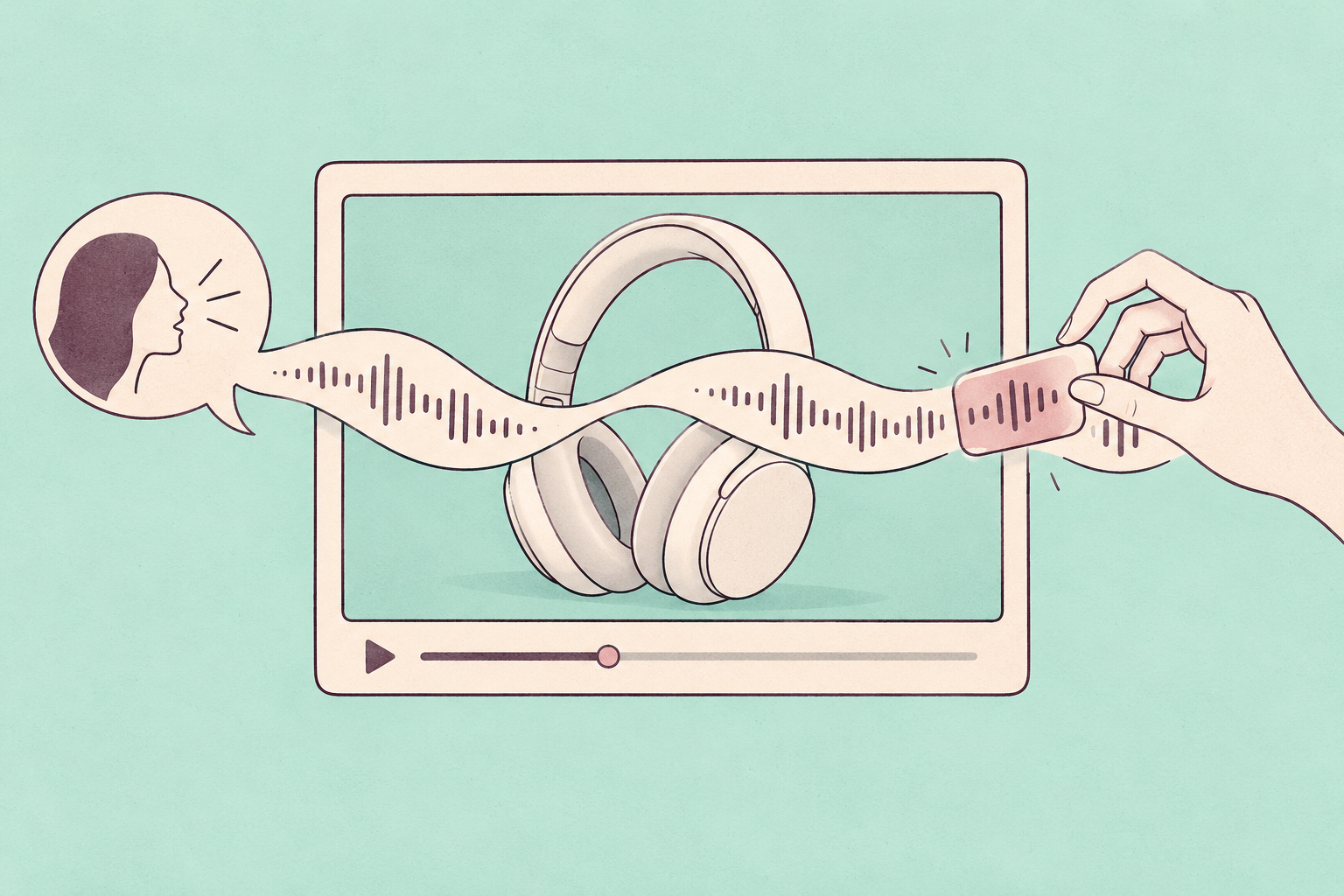
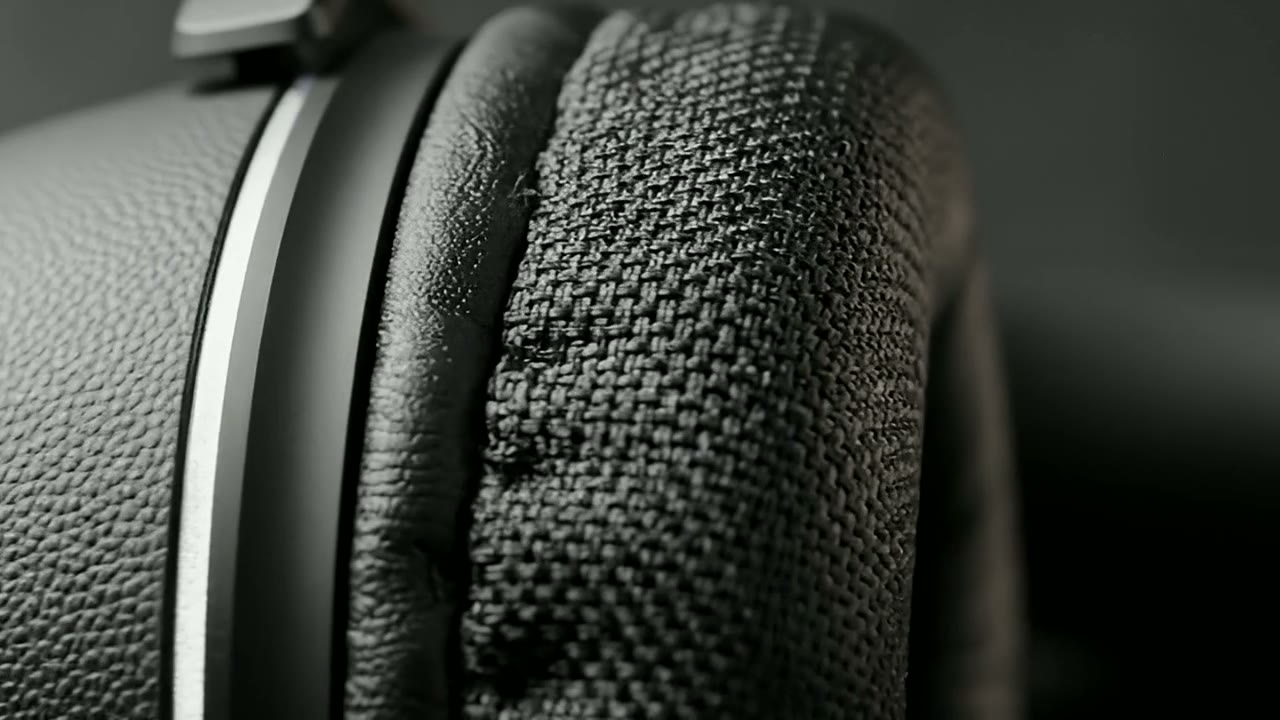
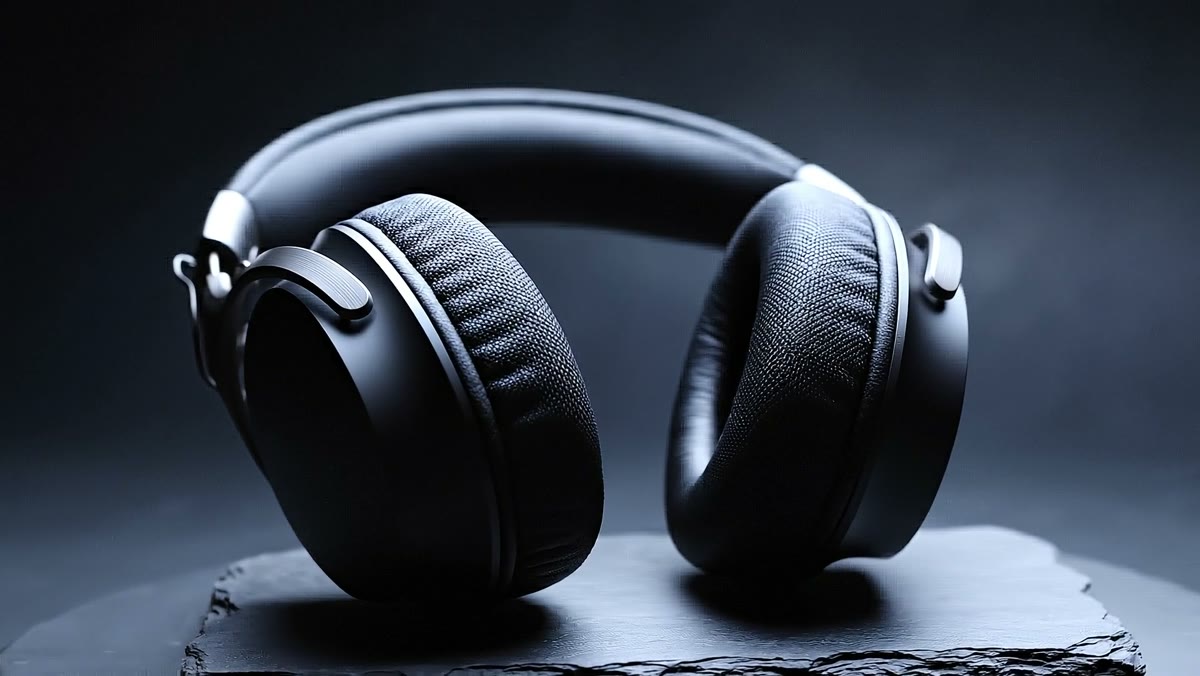
Watch the finished 15-second headphone film below. Then compare a wordier read with its shorter revision and try the audio layers yourself.
Illustrative product film and narration examples. The conversations show how to brief the changes; previews play prepared results.
Read the narration
Soft textures. A considered shape. A moment that is entirely yours. Make room for the music.
Give viewers one thing to remember
A product film creates interest. A software demo proves a task. Neither needs to explain everything your product can do.
About the survey
Conducted in late 2025 with 266 respondents across marketers and consumers. The consumer subgroup size was not specified. This measures format preference, not the sales impact of AI narration.
Before writing, finish this sentence: “After watching, the viewer should understand ______.” That answer decides what stays in the script. End with one next step: see a product detail, try the feature or book a demo.
| Video | Show | Explain |
|---|---|---|
| Product film | The product and its details | What those details mean to the buyer |
| Software demo | One real workflow | The problem it solves |
| Feature update | What changed | Why an existing user should try it |
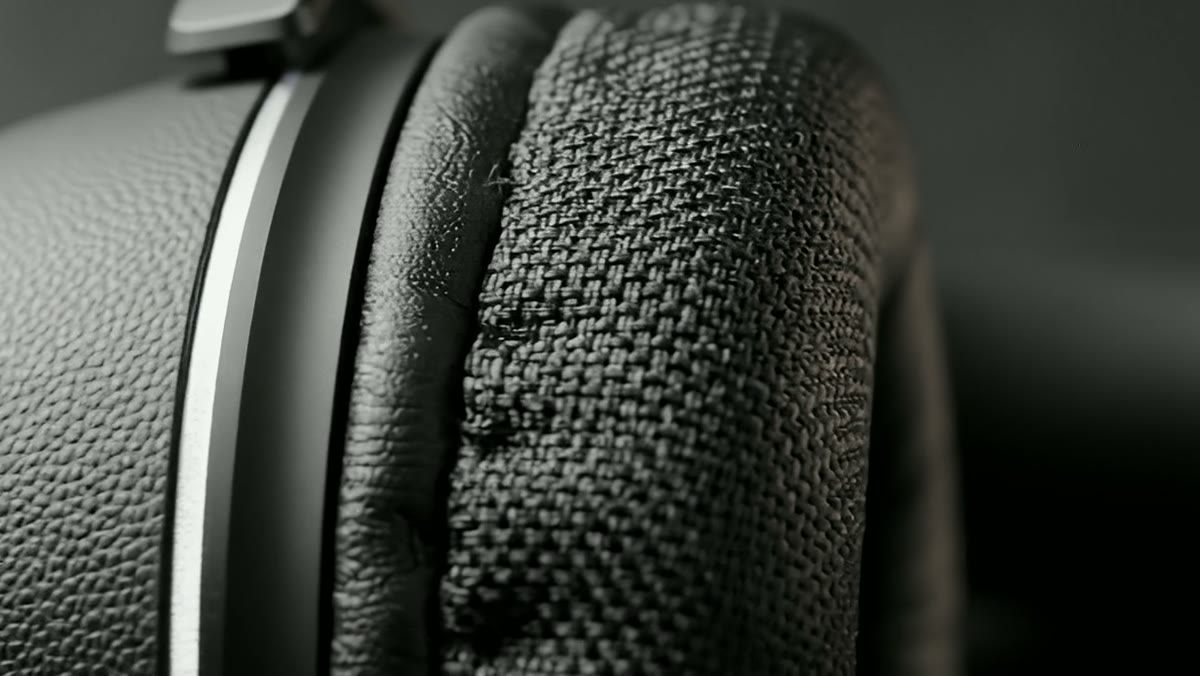
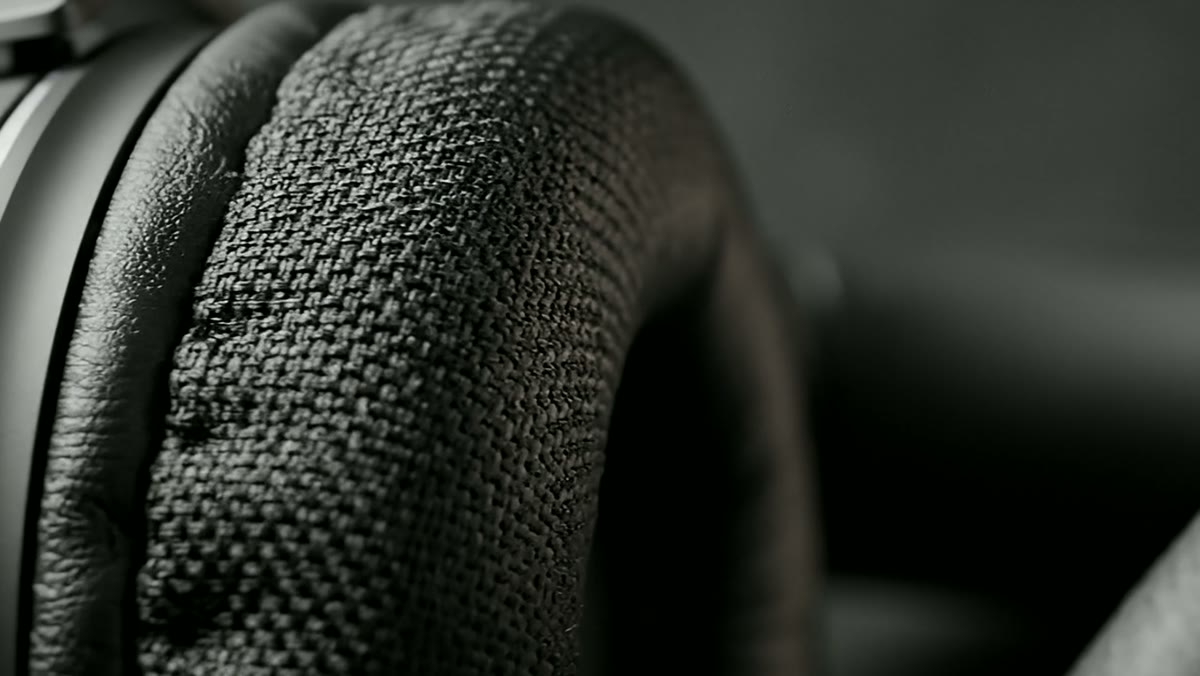
Our headphone example focuses on texture, shape and a personal listening moment. It makes no battery-life or noise-cancellation claim. For a software product, demonstrate the actual interface rather than borrowing a cinematic product shot.
First, fix the words. Then choose the voice.
“A carefully composed silhouette” may work in a design presentation. A viewer watching the headphones turn doesn’t need that explanation. Shorter phrases let the picture do some of the work.
Listen to both reads against the same footage. Which one leaves you looking at the product instead of decoding the sentence? The voice and speed settings stay the same; the wording changes.
How to create AI voiceover for your product video
In Wubble’s product-video workflow, bring your approved script and video. A product image can explain the visual character; a permitted audio reference can demonstrate the pace or tone. Keep the words to be spoken separate from your production directions.
- Bring the cut and the script. Use your actual product footage or screen recording. Mark the moments the voice needs to explain.
- Choose a voice and generate a short test. Include the product name and the hardest sentence before producing the full read.
- Refine one thing at a time. Correct wording, pronunciation or timing, then compare the result on the same footage.
- Mix and review. Balance narration with music and effects, check captions, and play the exported file before publishing.
A useful first brief
Create a voiceover for this 15-second headphone film. Speak to someone choosing headphones for everyday listening. Calm and close, like a helpful person—not a launch-stage announcer. Leave a pause between the product details. Use the script below exactly; do not invent specifications.
Script: Soft textures. A considered shape. A moment that is entirely yours. Make room for the music.
For a software demo, replace the atmosphere brief with an action brief: “Explain how a project manager finds an overdue approval. Say the button name while it is visible. Finish with the result.”
| You hear | Ask for |
|---|---|
| A sales pitch | “Use a calm, conversational delivery. Reduce the emphasis on every adjective.” |
| A rushed instruction | “Pause after the button name. Keep the next action in a separate sentence.” |
| A wrong product name | “Use our approved pronunciation reference. Correct this name and keep the rest of the script.” |
| A distracting soundtrack | “Lower the music under the voice. Keep the narration level unchanged.” |
Audition the same two sentences across voices. Include your product name, a number and an important action. Review the actual output after every correction.
Product names and numbers keep coming out wrong?
Keep a tiny pronunciation brief beside the script: the written name, how it should sound, and an approved reference. Specify whether “API” should be read as letters and whether “2.0” means “two point zero.” Put that instruction outside the words to be spoken. Test it in the full sentence, then check the final captions separately so a phonetic spelling does not appear on screen.
How long should your product-video script be?
If the voice says “select Approve” after that screen has disappeared, the narration is late—even if the audio sounds excellent. Write around visual beats, not a fixed word count.
| Picture | Voice | Leave room for |
|---|---|---|
| Overdue approval | “Still chasing a sign-off?” | Recognizing the problem |
| Open the request | “Find the owner and send a reminder from the same screen.” | Seeing the action happen |
| Updated status | “Now everyone knows what happens next.” | Reading the result |
Use this estimate to plan the first draft. Reserve time for a reveal, an unfamiliar term or a visible result. If the take runs long, remove a thought before increasing the speed. The actual generated read—not the estimate—decides whether it fits.
Give the picture some breathing room.
Leave space to see the product, not just hear about it.
A time budget, not an edit timeline. Spread the pauses wherever the picture needs them.
How this estimate works
(30s − 6s without speech) × 135 words/min ÷ 60 = about 54 words. This is a simple whitespace word count for an English draft; spell out numbers and acronyms as they will be spoken. Other languages need their own timing check. No audio is generated here. Names, emphasis and pauses change the final read—listen against the picture before approving.
The music should support the message
A narration problem can be a mix problem. First listen to the revised voice alone. Then add the music and product-reveal sound back in.
Can you still catch every word at an ordinary listening volume? Compare the layers below on the same film. The finished example uses the same revised narration with music and a quiet swell for the reveal.
Read the narration
Soft textures. A considered shape. A moment that is entirely yours. Make room for the music.
Start here: hear the wording and pauses without a soundtrack.
Choose the workflow that fits what you already have
If your video is already cut, you need narration that fits it. If the story needs a presenter or new screen recordings, audio generation is only part of the production.
| Your task | Wubble | Record yourself | Voice actor |
|---|---|---|---|
| Create a read without recording a person | ✓ | × | × |
| Change the script | Generate a revision | Record a pickup | Book a pickup |
| Direct the performance | Conversation | Your delivery | Live direction |
| Create music and SFX in the same tool | ✓ | Separate tools | Separate scope |
| Human review before publishing | ✓ | ✓ | ✓ |
Wubble suits iterative audio work: generate narration, request targeted changes, create music and effects, and balance the layers in conversation. A founder’s own delivery may be the strongest choice for a personal introduction. A voice actor can be a better fit when live performance direction is central to the brief.
When would a video editor or avatar tool fit better?
Clipchamp’s guide shows a timeline workflow from narration through captions and export. Synthesia’s product-demo page focuses on recording, presenters and interactive video. Murf’s product-demo workflow covers narration controls and synchronization. Choose by the missing production task; compare the same script and correction in any shortlist.
For costs, check the current Wubble plan against generation, downloads and permitted distribution. “Free to try” and “licensed for a public product campaign” are different questions. API usage has its own terms.
Find a voice your audience can follow
Choose for clarity and audience fit. Browse the full voice catalogue below, then test your actual product name and script. For another market, review local phrasing and pronunciation with a fluent speaker before publishing.
33 languages · 2,899 voices
Finish once. Make the next update easier.
Keep the approved script, voice choice, pronunciation notes and separate audio tracks with the project. When a product name or screen changes, revise that passage, then review the whole sentence and its transition in the final mix.
| Check | A useful pass condition |
|---|---|
| Message | A new viewer can explain the benefit after one watch. |
| Timing | The relevant feature or control is visible while it is mentioned. |
| Sound | Every important word stays clear on a phone speaker. |
| Captions | Names, numbers and timing match the final voice; text does not hide the product. |
| Handoff | The exported video opens, sounds correct and ends cleanly in its destination player. |
Export the approved audio and place it in your video editor, or review the finished video export where available in your Wubble workflow. Match the editor’s requested format and sample rate. Keep music and effects separate until approval so a voice change does not force you to rebuild everything.
W3C’s caption guidance explains why automatic captions need review. Include meaningful non-speech sounds as well as speech, and test the final video with sound off. Keep essential on-screen actions understandable too.
Making lots of product videos?
Your developer can use Wubble’s API to connect supported speech operations to an existing production workflow. For agent-based work, check the current MCP tool list. Keep an approval step between generated audio and publication; neither an API call nor an agent automatically verifies product claims, screen timing or licenses.
After release, look for the moment viewers leave and whether they take the intended next step. If people miss the benefit, test the opening script while keeping the other major elements consistent. Don’t assume more views mean better understanding.
Before you make your first take
What is AI voiceover for product videos?
It turns a written product script into synthetic narration. You can audition voices and revise the delivery without recording every take yourself. You still need a clear script, accurate product claims and a final review against the picture.
Can I add it to a video I already have?
Yes. Use the existing cut as your timing reference. Break narration into visual beats, leave space for important actions, and replace or mute the old narration before mixing the new track.
How do I stop it sounding robotic?
Start with language someone would actually say. Shorten dense sentences, specify the intended listener and delivery, and ask for targeted changes. Compare takes on the same passage, including the difficult names—not just a generic voice sample.
How many words fit in a 30-second product video?
At an illustrative 135 words per minute, with six seconds reserved for pauses and visual moments, the first-draft budget is about 54 words. That is a planning estimate, not a rule. Check your actual read against the cut.
Can I try it for free?
Check the current Free plan to audition the workflow. Review download allowances and commercial-use terms before publishing a company product video. A trial allowance does not automatically cover every campaign.
Is the audio royalty-free?
Wubble offers royalty-free audio under its applicable license. Choose coverage for your intended use. Obtain permission for uploaded reference recordings and any cloned voice; a license to generated audio does not grant rights to someone else’s footage or branding.
What about translating an existing product video?
That is a dubbing and localization task. Use our video dubbing guide to plan language review, picture timing and captions. For an employee lesson, see training-video voiceover.
Sources and further reading
- Wyzowl: 2026 video marketing survey and methodology
- W3C WAI: captions and subtitles
- Clipchamp: product demos with AI voiceovers
- Murf: product-demo narration workflow
Sources reviewed 8 October 2026. Examples illustrate creative decisions; no conversion lift or production-time saving was measured.