Wubble is on Microsoft Marketplace: AI music for PowerPoint
- Written by
- Shaad Sufi
- Published
- Reading time
- 4 min read
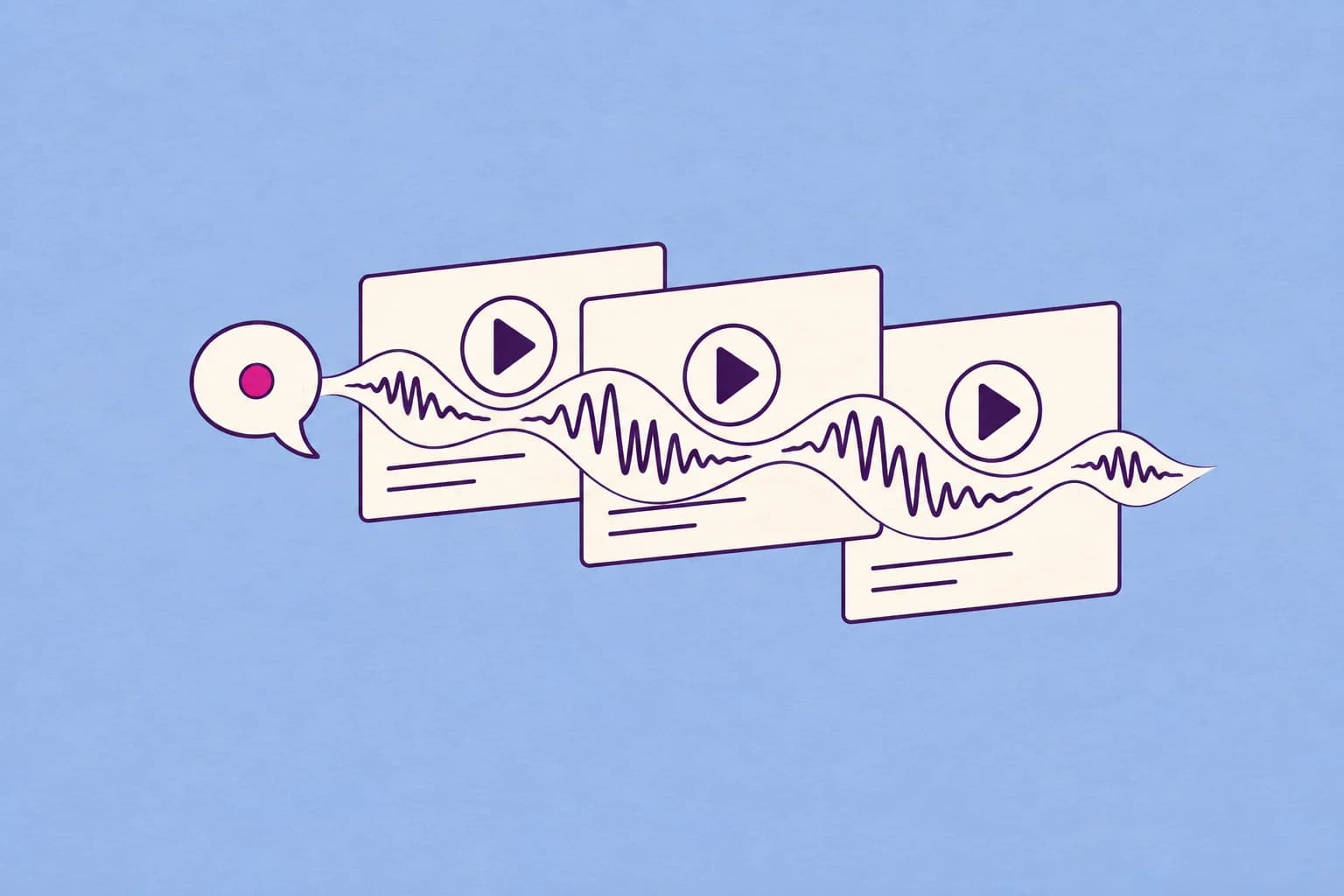
Wubble, now on Microsoft Marketplace
Wubble is available on Microsoft Marketplace as a PowerPoint add-in. You can find Wubble’s official listing, explore the product, and select “Get it now” to begin.
Think about the last presentation you put together. You probably spent time on the opening line, the order of the slides, and the moment you wanted people to remember. Music can be part of those decisions too: a little anticipation before a reveal, a calm introduction to a lesson, or a welcoming atmosphere while an audience arrives.
That is the creative opportunity behind bringing Wubble into PowerPoint. The soundtrack can be considered alongside the story you are telling.
Create audio through conversation
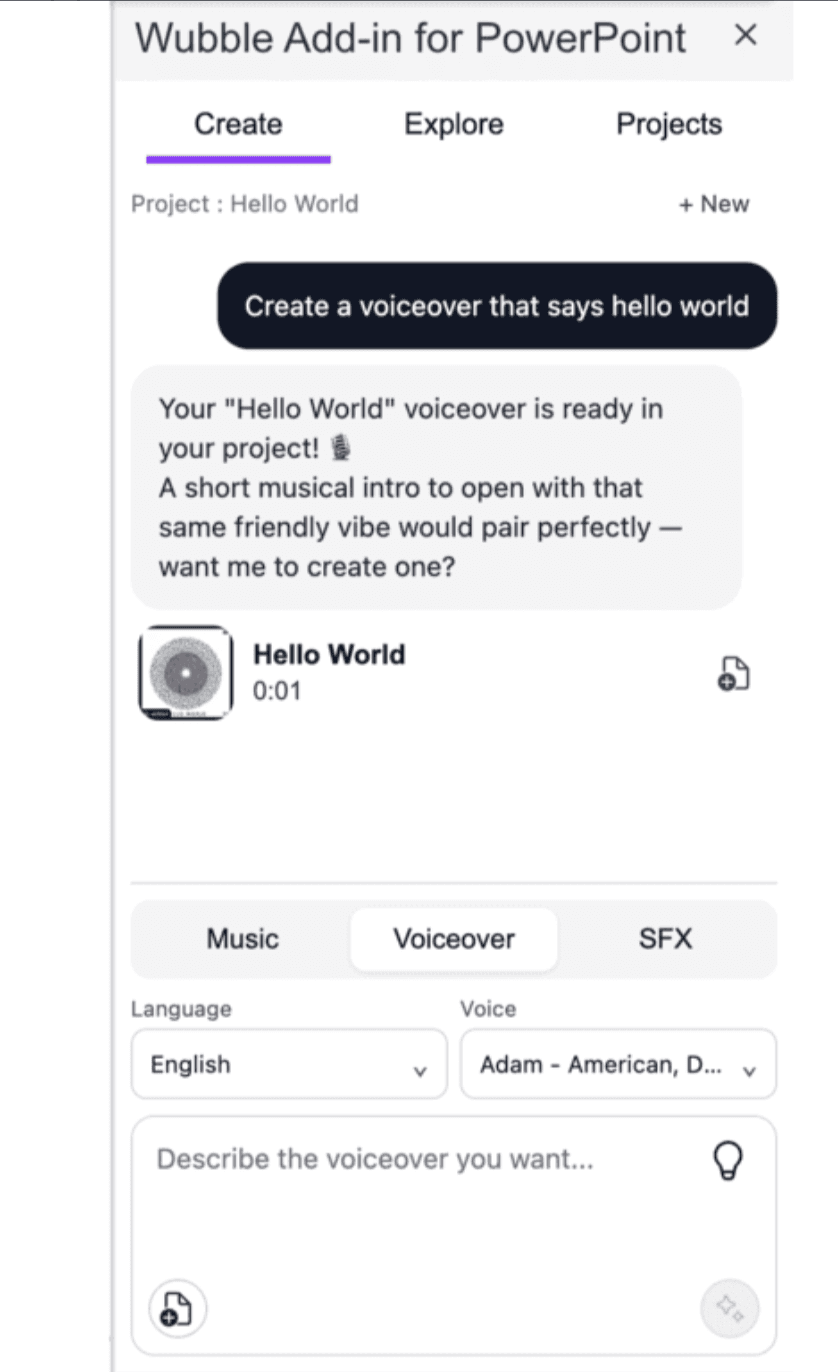
Start with a sentence. In Wubble’s Create tab, you can describe the audio you want in the conversation. The example below starts with a simple request: “Create a voiceover that says hello world.” Wubble returns the voiceover in the project, then suggests a short musical introduction with the same friendly feel.
That exchange brings the creative decisions together: what the audience should hear, the tone of the voice, and the music that could accompany it. The add-in brings Music, Voiceover, and SFX into the same workspace, so you can shape the sound around the presentation you are building.
Music in your presentation workflow
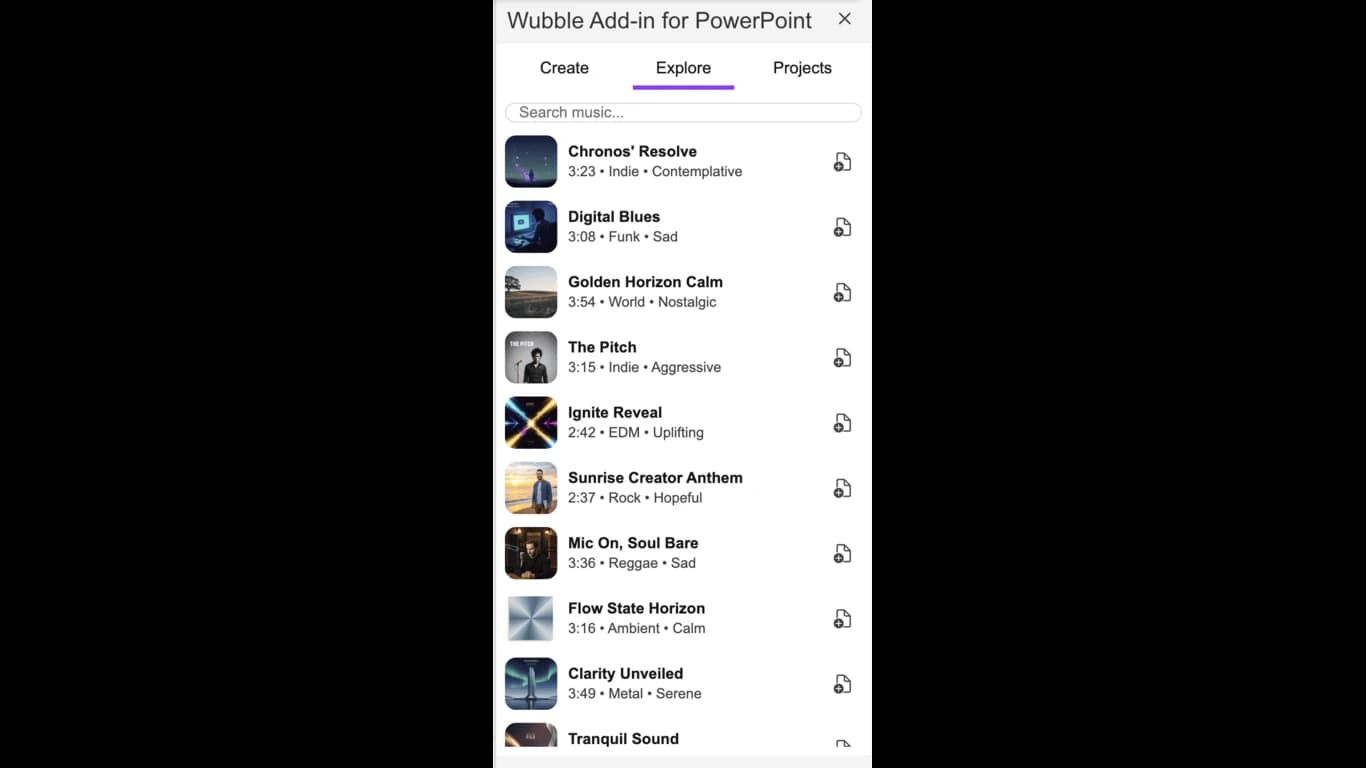
The Marketplace preview shows Wubble in a PowerPoint side panel, with Create, Explore, and Projects tabs. Its Explore view presents tracks with their duration and musical character, helping you consider the kind of sound a presentation needs.
Start with the audience. A sales deck and an employee training session may use similar slide layouts, but they ask very different things of the listener. One might need a confident opening; the other might benefit from a quiet musical transition that gives people a moment to absorb what they have learned.
A useful brief describes that purpose before reaching for a genre. “Warm and welcoming while people arrive” gives you a different starting point from “energetic under a product reveal.” If someone will be speaking, leave space for their voice. Music does not need to fill every slide to contribute to the presentation.
Give the soundtrack a purpose
You may already know where the music belongs, even if you have never written a music brief. Picture the opening of the presentation, a transition between ideas, or the final image you want to leave with the audience. These example briefs show how to turn those moments into a creative direction.
| Presentation moment | Example musical brief |
|---|---|
| Product introduction | “Begin with curiosity, build towards the reveal, and finish with a confident, optimistic feel.” |
| Training module | “A calm instrumental introduction with a gentle pulse. Keep the melody understated so the narrator stays clear.” |
| Event welcome screen | “Warm, inviting background music that feels comfortable while people arrive and talk.” |
For marketing teams, a useful starting question is whether the music supports the campaign’s tone. For an educator or trainer, it might be whether the introduction helps the audience settle into the subject. For a presenter, it could simply be whether the opening feels more deliberate when heard aloud.
Rehearse with the music at the volume you intend to use. Speak over it. Move through the slides. If a musical change pulls attention away from a key sentence, adjust the choice or the timing. The presentation remains the reference point.
How to get Wubble for PowerPoint
- Open Wubble on Microsoft Marketplace and check that the publisher is Wubble.
- Review Details + support for compatibility and account information.
- Select Get it now and follow Microsoft’s prompts.
The listing supports Microsoft accounts and work or school accounts. It lists PowerPoint on the web and supported Windows and Mac editions; check the details for your version.
Is it included in my Microsoft subscription?
The listing says an additional purchase may be required. Check the offer details before getting started.
Where can I find usage terms and help?
The listing links to its license agreement, Wubble’s privacy policy, and Wubble support.
Start with your next presentation
You do not need to rethink the whole deck. Choose one moment: the welcome screen, the transition into a new chapter, or the closing thought. Decide what you want the audience to feel there, then build the musical brief around it.
To explore Wubble’s broader approach to AI music creation, read how duration and structure can be described through conversation. For the PowerPoint add-in, the Marketplace listing is the place to start.
Find Wubble on Microsoft Marketplace and give your next presentation a soundtrack of its own.