Give Your App Better Sound—in a Few Lines with Wubble UI Sounds
- Written by
- Shaad Sufi
- Published
- Reading time
- 6 min read
From install to your first sound in a few lines
You already know which button or outcome needs a sound. Use the direct setup: choose a pack and call it from your existing event handler.
1. Install the library and choose your style
npm install @wubbleai/ui-sounds
npx wubble-ui-sounds setup . --style arcade
Run these in your app with Node.js 20 or later. The setup command copies a compact set of local sounds and creates src/lib/wubble-ui-sounds.js. It does not scan your app or decide where to add sounds.
2. Let the user turn sound on
import { feedback } from '@/lib/wubble-ui-sounds';

function enableSound() {
  feedback.setEnabled(true);
  void feedback.unlock();
}
Connect enableSound to your sound-on button. If your app does not use the @/ alias for src/, use the relative path to the generated helper.
3. Add the sound to an action
// After the item has been selected:
void feedback.select();
That is the recurring integration: one readable call at the moment you want feedback. Use feedback.success() after a successful save, feedback.warning() for a blocked action or feedback.complete() for a finished task.
See a complete React button example
With the setup above complete, put this in a Client Component. Keep the visible result and sound preference separate.
'use client';
import { useEffect, useState } from 'react';
import { feedback } from '@/lib/wubble-ui-sounds';

export function EquipButton() {
  const [soundOn, setSoundOn] = useState(false);
  const [equipped, setEquipped] = useState(false);

  useEffect(() => () => feedback.stopAll(), []);

  function toggleSound() {
    const next = !soundOn;
    feedback.setEnabled(next);
    if (next) void feedback.unlock();
    setSoundOn(next);
  }

  return (
    <>
      <button onClick={toggleSound} aria-pressed={soundOn}>
        {soundOn ? 'Mute sound' : 'Enable sound'}
      </button>
      <button onClick={() => {
        setEquipped(true);
        void feedback.select();
      }}>
        Equip shield
      </button>
      <p role="status">{equipped ? 'Shield equipped' : 'Choose your gear'}</p>
    </>
  );
}
This example changes local state. If your real action needs a server response, play the confirmation after it succeeds. For shared sound preferences across a larger React app, see the React provider and settings components.
Why choose Wubble UI Sounds for your app?
The advantage is everything you get around the sound. A collection of clips still needs playback code. A player still needs suitable clips. Wubble UI Sounds brings the library, named events and playback controls together.
| Your starting point | Wubble UI Sounds | Audio files alone | DIY playback |
|---|---|---|---|
| Included sound library | ✓ | ✓ | Source separately |
| Named calls such as success() | ✓ | × | Write the mapping |
| Volume and mute controls in the runtime | ✓ | × | Implement |
| Cooldown and priority policies | ✓ | × | Implement |
| Play files from your own app | ✓ | With a player | ✓ |
Choose Wubble UI Sounds when you want polished interface audio without assembling the sound library and playback system yourself. You retain control of where sounds play, which style fits and how the files are delivered. The runtime supports cooldowns, priorities and quiet-mode behavior; configure those policies for your app.
This compares starting approaches, not every competing product. A specialist game-audio engine may suit complex spatial sound or adaptive music; this library focuses on interface feedback. Explore the library and supported features.
One library. A sound that fits your app.
Your productivity app and your arcade game should not sound identical. Wubble UI Sounds includes 78 cues in each of 12 personalities, with every design available in MP3 and Ogg. The direct setup exports a compact set of 16 common events in your chosen style.
| Try | Listen for | Possible fit |
|---|---|---|
| Minimal | Short, restrained feedback | Frequent actions in a focused app |
| Glass | A softer, ringing tail | An interface with a calmer feel |
| Arcade | A playful, pronounced response | A game menu or rewarding interaction |
Try these three styles in the menu above. Repeat the same action when comparing them. Does the cue fit the picture? Is the tail short enough for how often the action happens?
The full selection also includes Soft, Mechanical, Organic, Dreamy, Sci-fi, Rubber, Cinematic, Studio and Zen. List the available directions with:
npx wubble-ui-sounds directionsChoose --style minimal, --style glass or another direction when setting up. The event names stay familiar across the packs, so the creative choice does not require a new playback system.
A sound for the moments your users care about
The same library can make a saved setting feel confirmed, a sent message feel delivered or a game reward feel earned. You choose the moment; the call says what happened.
| Your app does this | Add this call |
|---|---|
| Select an item | feedback.select() |
| Save successfully | feedback.success() |
| Send a message | feedback.send() |
| Explain a blocked action | feedback.warning() |
| Finish a task or claim a reward | feedback.complete() |
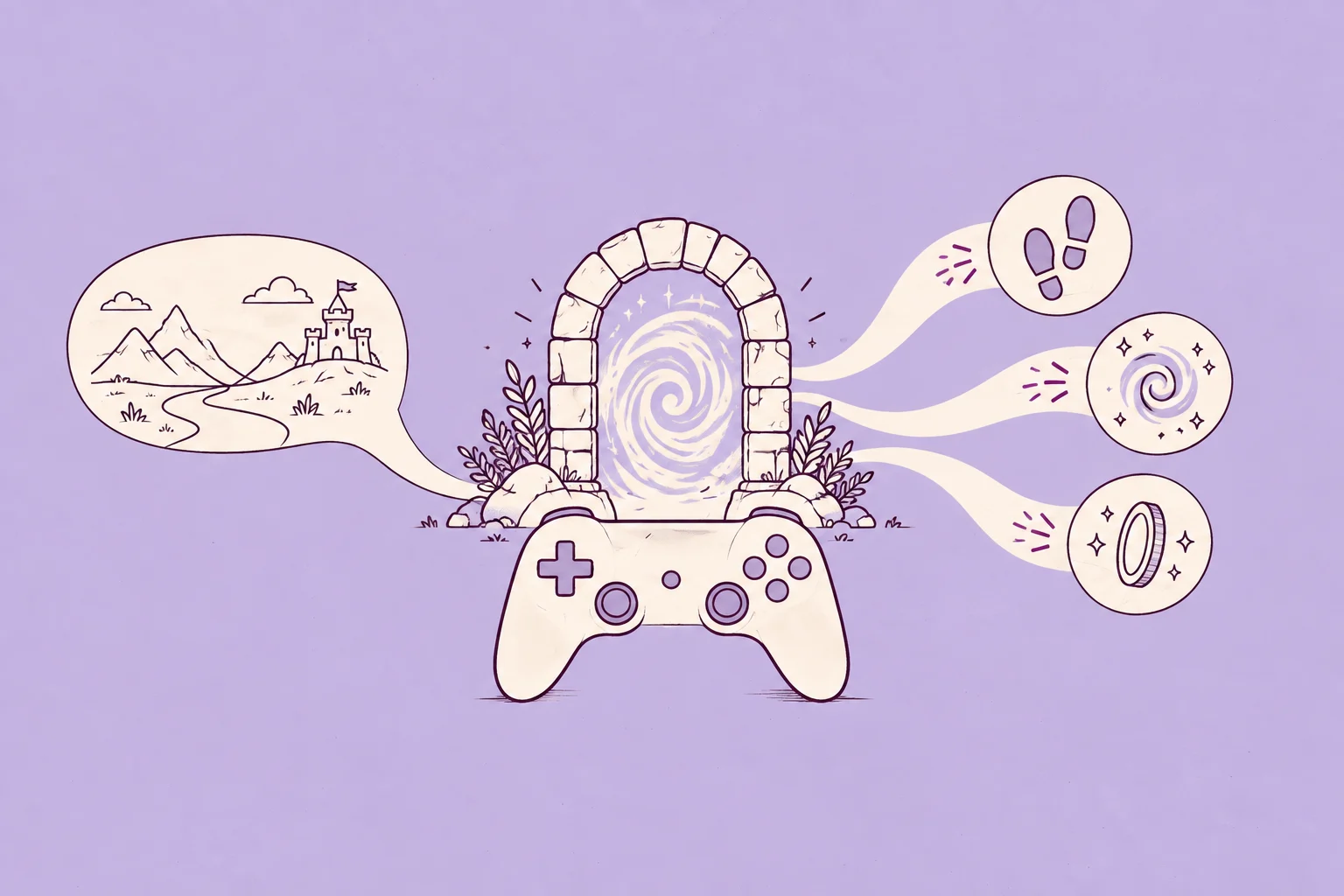
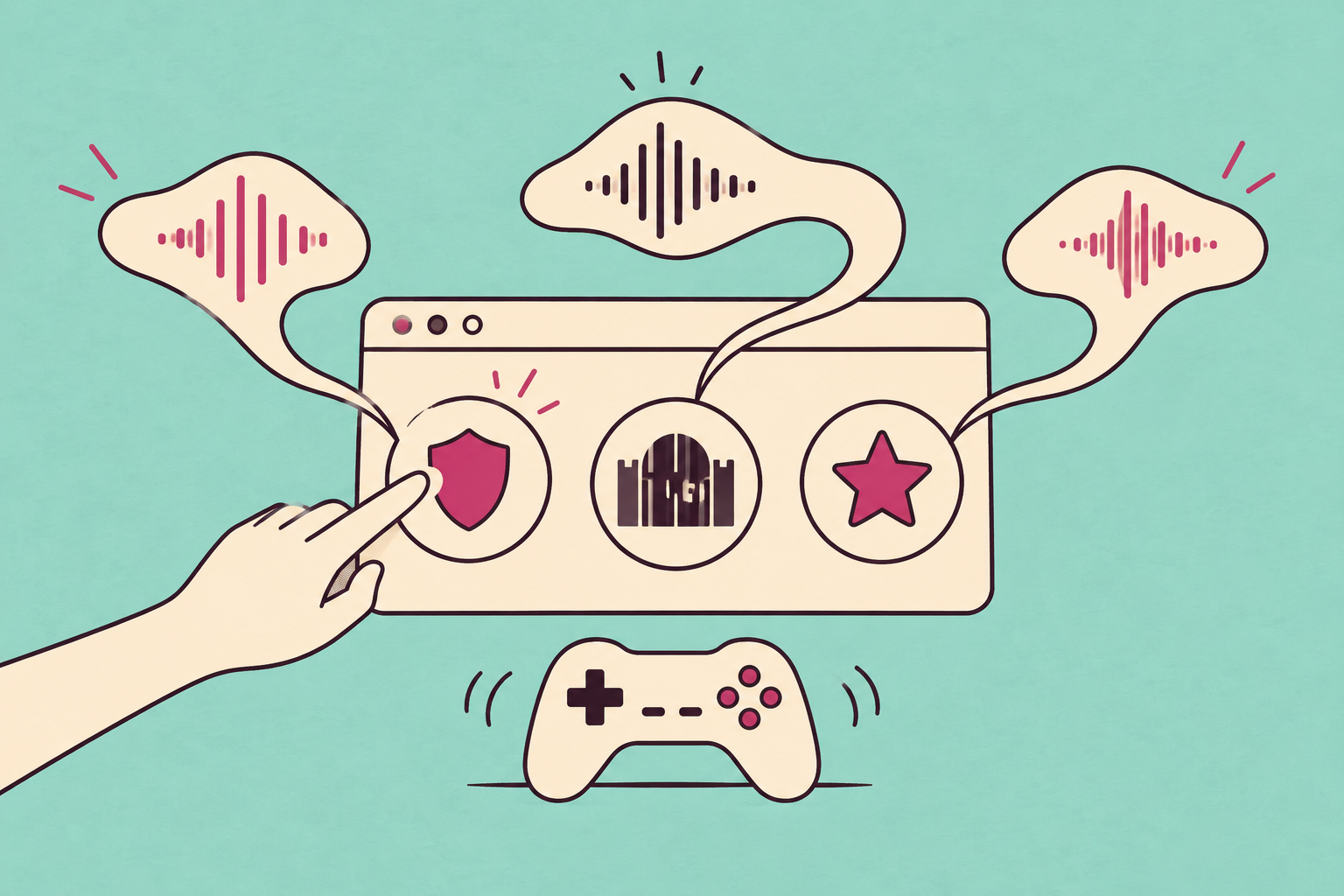
In our playable menu, selection is a small confirmation, the locked portal is a gentle “not yet,” and the reward is a distinct finish. Keep that difference when you change personalities. A louder sound is not automatically a better explanation.
For React and Next.js, the repository also provides hooks, a provider and settings UI. React Native has its own runtime and native bridge. Use the framework examples for the matching integration.
Before you add your first sound
Do I need to scan my app first?
No. Use setup to export a pack, import the generated helper and call the events you want. The optional start workflow can suggest feedback moments from local source code if you want help finding opportunities. It is not required for direct integration.
Is it only for games?
No. Use it for web apps, websites and React Native interfaces: selections, toggles, saves, messages, notifications and completion states. The game menu above is one example.
Is it an AI game sound effects generator?
Wubble UI Sounds gives you ready-to-use sounds and the code to play them. For a completely new creature, weapon or environment sound, use Wubble’s AI sound-effects generator. Our game-audio generation guide covers custom creation and revisions. The library is the direct route when an included UI sound already fits.
Can I use the sounds commercially?
The community packs used in this article, including Arcade, Minimal and Glass, are distributed under CC0. Code is Apache-2.0. Core-pack audio has separate terms; consult the audio-license guide for the pack you choose. Keep the supplied license and attribution notices with redistributed files.
Is Wubble UI Sounds free and open source?
Yes. The library is free to install and use, and its source code is available under Apache-2.0 on GitHub. No subscription, account or runtime API key is required. The community sound packs shown here are CC0; other packs have their own audio terms, as noted above. Custom audio generation is a separate service.
Does it include Unity or Godot integration?
The documented integrations are web and React Native. For an engine project, use the engine’s audio system and check the selected assets’ license. For browser-game menus and React interfaces, follow the direct setup above.
Sources and example details
- Wubble UI Sounds: library, runtime, setup command and framework integrations
- Next.js example and sound preferences
- Community audio provenance
- Code and audio licensing
Reviewed 9 October 2026. Direct setup verified with the published package. The menu uses the library’s playback runtime with nine CC0 community designs and article-specific event policies. Library counts describe the full catalogue, not the files loaded by this page.